What we look at
Color depth, screen size, glare, weight on a hospital cart, and standalone vs. attached form factors. We weight color accuracy more heavily than for office work.
Clinicians, residents and researchers increasingly read imaging, notes and PACS viewers side by side. This page collects our editorial perspective on portable monitor setups that suit those workflows.
Practitioner setup
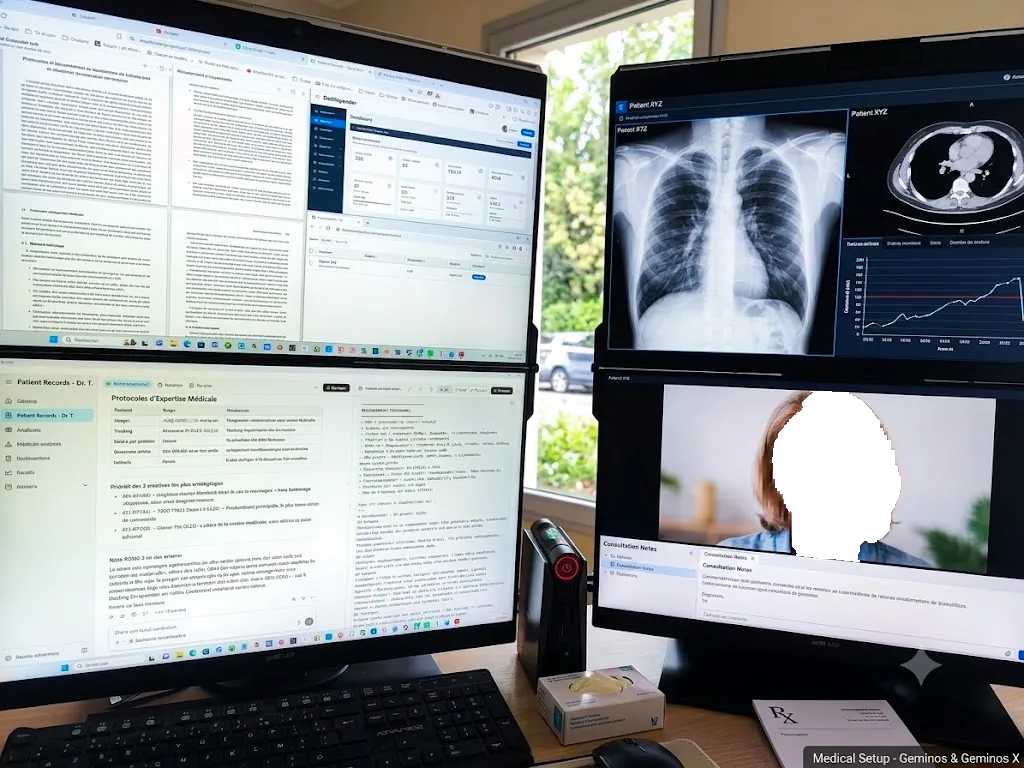
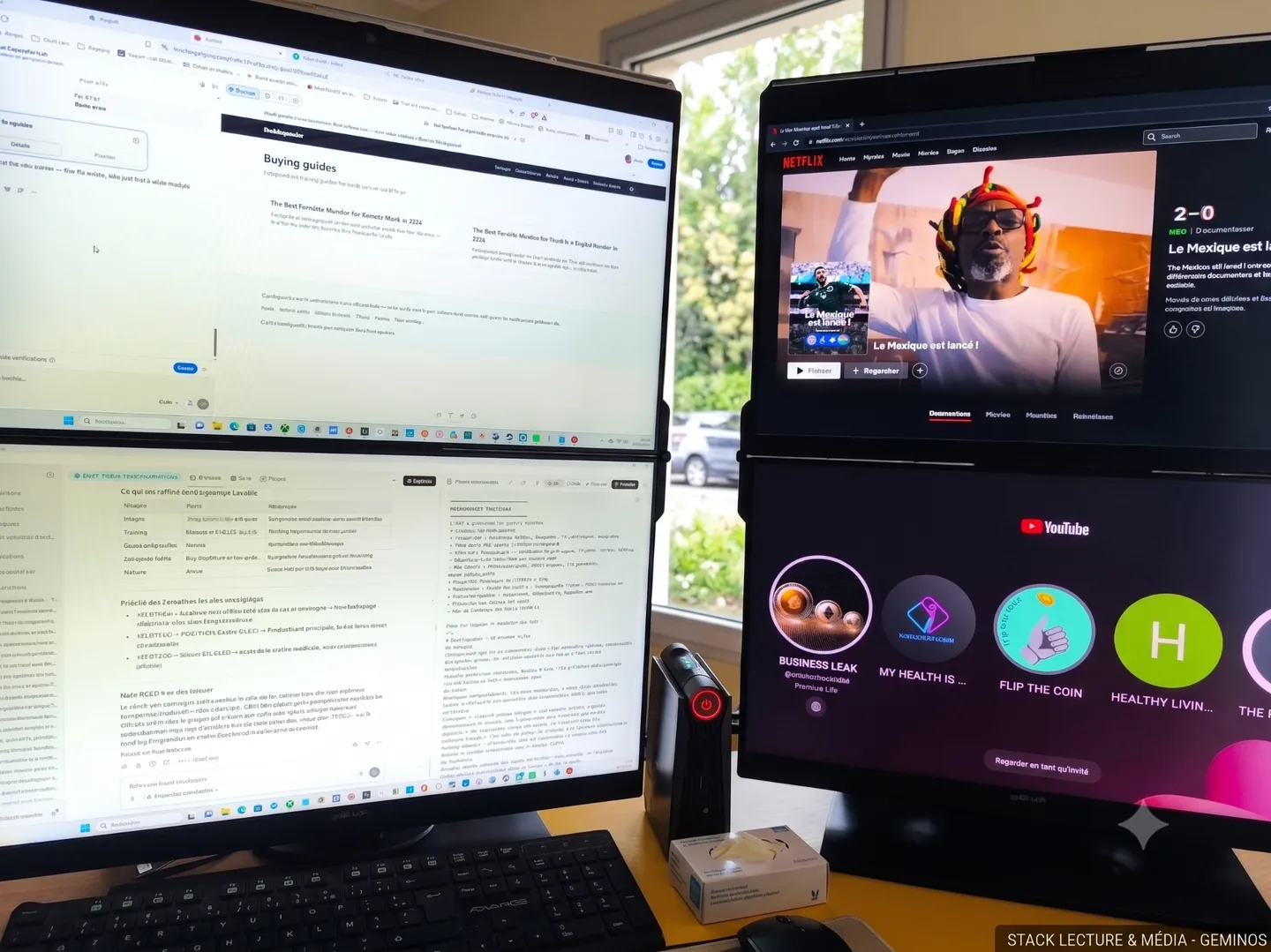
I use two stacked Mobile Pixels Geminos + Geminos X monitors for medical research, teleconsultation, tele-expertise and media display. Below is my real-world setup — photos coming soon.
Vertical real estate
Stacked monitors give two full-height surfaces without spreading sideways — fits any narrow desk.
Ergonomic eye line
The top screen sits at natural eye height for long teleconsultation sessions; the lower screen handles notes and reference.
Imaging + notes
Display a PACS/DICOM viewer or media on one panel while keeping clinical notes on the other — no window juggling.
Color depth, screen size, glare, weight on a hospital cart, and standalone vs. attached form factors. We weight color accuracy more heavily than for office work.
Standalone screens (e.g., Glance Pro OLED) work better in shared rooms because they detach from the laptop and can be repositioned independently. Attached screens (Duex Plus, Trio) are faster to deploy but constrain laptop placement.
We do not certify devices for clinical use, do not provide medical-grade calibration, and do not recommend specific equipment for patient diagnosis.