
The Best Portable Monitor for Remote Work in 2026
Updated
Dr Claude T
Hematologist & productivity researcher
Medical doctor, multi-screen ergonomics researcher.
About the author →If you work remotely on a laptop, adding a second screen is the single highest-leverage upgrade you can make to your daily workflow. This guide explains what to look for, who each option fits, and the mistakes that waste money.
Screen size vs portability
12.5" panels are easiest to carry; 13.3" panels give meaningfully more usable space; 15.6" is the productivity ceiling but starts to feel less portable.
Connectivity
USB-C with DisplayPort Alt Mode is the gold standard — one cable for video and power. Anything older needs HDMI plus a separate USB-A cable for power.
Mount type
Magnetic slide-out mounts (Duex / Trio) deploy in seconds but live attached to your laptop lid. Standalone monitors (Glance Pro) take more setup but free your laptop.
Brightness
300 nits is the comfortable floor for indoor work. Below that you'll squint near windows. Above 400 nits is rare in this category.
Top picks by persona
Daily remote worker, 13" laptop
Mobile Pixels Duex Plus
13.3" of screen, fast deploy, easy to justify on price.
Power user who lives in spreadsheets
Mobile Pixels Trio
Triple-screen density on the road.
Budget-first or hybrid worker
Mobile Pixels Duex Lite
Lowest risk entry to portable dual-screen.
Common mistakes to avoid
- Buying the cheapest monitor without checking USB-C compatibility on your laptop
- Choosing a 15"+ standalone when a 13" slide-out would actually fit your bag
- Ignoring brightness specs — 200 nit panels are a daily frustration
- Skipping the magnetic plate test on your specific laptop lid material
Frequently asked questions
Do I really need a second screen for remote work?
Most remote knowledge workers measurably reduce context-switching with even a modest second screen. The productivity gain is real and well-documented in HCI research.
Is a portable monitor better than a large desktop monitor?
Different use cases. A 27" desktop monitor wins at a fixed home office. A portable monitor wins when you move between locations weekly.
Will a portable monitor work with my company-issued laptop?
Almost always yes via USB-C or HDMI. Check with IT if your laptop has device-control software blocking external displays.
Recommended products
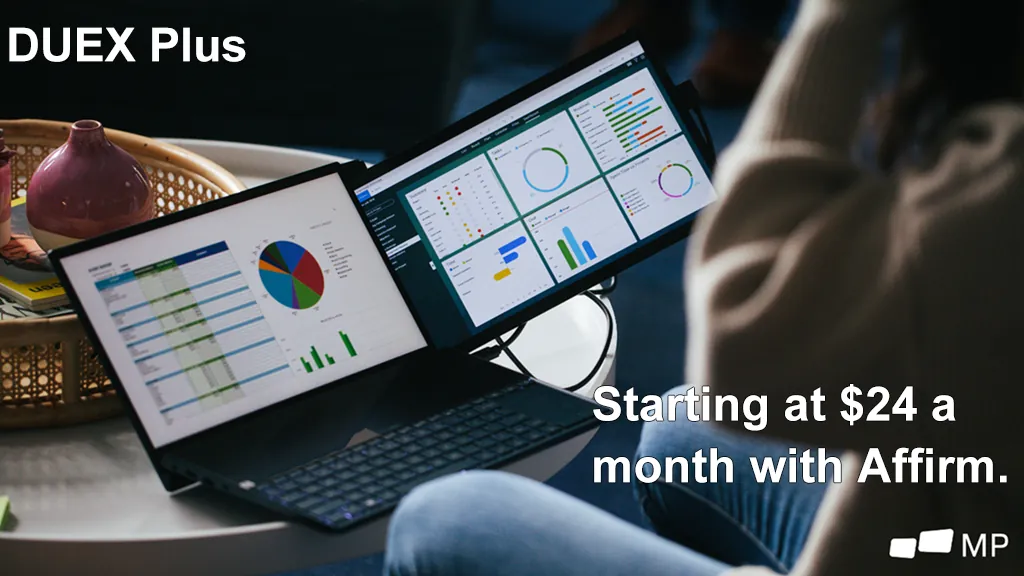
Mobile Pixels Duex Plus
DualA 13.3" magnetic slide-out display, the everyday workhorse of portable dual-screen.
$269 – $329
Affiliate link — commission earned at no cost to you.
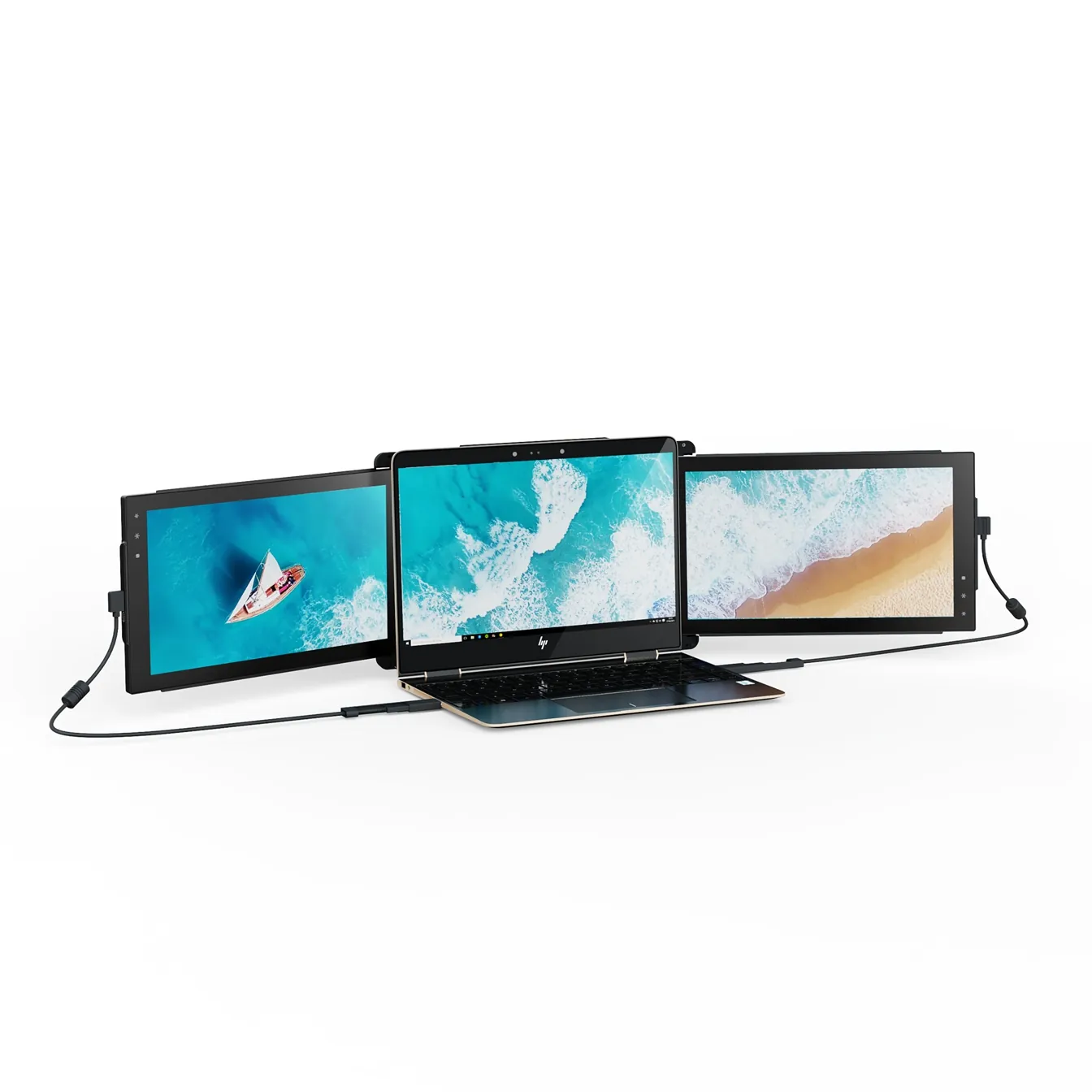
Mobile Pixels Trio
TripleTwo 12.5" slide-out panels turn your laptop into an instant triple-monitor setup.
$399 – $499
Affiliate link — commission earned at no cost to you.
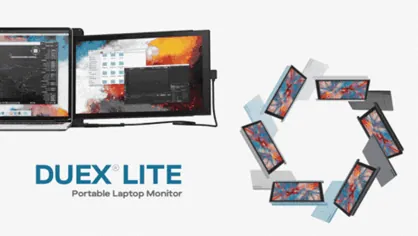
Mobile Pixels Duex Lite
DualThe lightweight 12.5" entry point to portable dual-screen work.
$199 – $229
Affiliate link — commission earned at no cost to you.