
Research-based review
Mobile Pixels Duex Lite Review: The Entry-Level Portable Monitor
Updated
Dr Claude T
Hematologist & productivity researcher
Medical doctor, multi-screen ergonomics researcher.
About the author →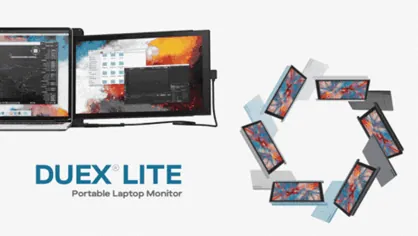
Verdict
Honest entry-level hardware. If you're not yet sure portable dual-screen suits your workflow, the Duex Lite is the lowest-risk way to find out.
The Duex Lite is the easiest way to try portable dual-screen work without overcommitting. A 12.5-inch 1080p IPS panel, magnetic mount, USB-C connectivity — the basics done correctly at a price point that's hard to argue with.
Mobile Pixels Duex Lite
$199 – $229
Prices and availability may change.
What you get
A 12.5-inch IPS panel, magnetic plate, USB-C and HDMI cables, and a fabric pouch. The plastics are visibly more basic than the Duex Plus, but the build is solid for the price.
Trade-offs
Brightness sits around 250 nits — fine indoors, struggling in bright environments. The 12.5-inch size limits what fits on screen comfortably; pair it with a 13-inch laptop and the asymmetry is barely noticeable, but on a 16-inch workstation the Duex Lite looks small.
Portable monitor extension: what this model changes in real-world use
As an entry-level laptop screen extender, this panel adds a second display without changing how you pack your bag: an affordable extra screen for laptop work that suits students, consultants and anyone testing dual-screen habits. Connect it over USB-C or HDMI, set the display mode to “Extend” in Windows or macOS, and keep reference material out of the way of your primary application.
Pros
- Lowest cost of entry to portable dual-screen
- Simple USB-C setup
- Light enough to carry every day (~580 g)
- Same magnetic mount philosophy as higher models
Cons
- 250 nit brightness — indoor use only
- Smaller panel limits productivity gains
- More basic build than the Plus
Mobile Pixels Duex Lite
Prices and availability may change.
You should buy it if…
- Students and part-time remote workers
- Anyone curious about portable dual-screen on a tight budget
- Users with a 13-inch laptop who want a matched second screen
Skip it if…
- Anyone who already knows they need 13.3" or more (buy Duex Plus instead)
- Outdoor or sunlit workspace users
Specifications
- Screen size
- 12.5 inches
- Resolution
- 1920 × 1080
- Panel type
- IPS
- Brightness
- 250 nits (typical)
- Connectivity
- USB-C + HDMI
- Weight
- ~580 g
- Touchscreen
- No
Compatibility
- macOS. Plug-and-play via USB-C.
- Windows. Plug-and-play on modern laptops; HDMI fallback on older systems.
- iPadOS. Works on USB-C iPads; mirrored display on Lightning models with adapter.
- ChromeOS. Supported on Chromebooks with USB-C video out.
Frequently asked questions
Is the Duex Lite enough for serious knowledge work?
For email, light spreadsheets, chat and a reference document on a secondary screen — yes. For finance dashboards or full IDEs, the Duex Plus or Trio is a better fit.
Will it strain my laptop's battery?
Yes — driving any external display consumes additional power, typically reducing battery life by 20–30%. Carry your charger.
Does it support touch input?
No. For touch, look at the Glance Pro OLED.
Can I daisy-chain two Duex Lites for triple screen?
Not natively. For triple-screen portability, the Trio is purpose-built and the recommended path.
What's the warranty?
Mobile Pixels offers a standard 12-month limited warranty. Verify current terms on the official product page.
Alternatives to consider
Mobile Pixels Duex Plus
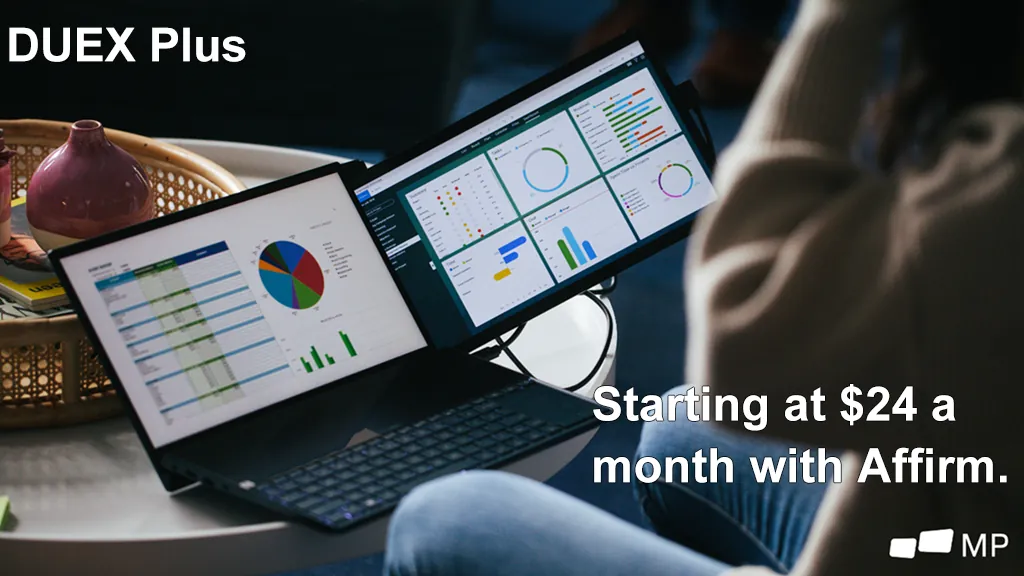
DualA 13.3" magnetic slide-out display, the everyday workhorse of portable dual-screen.
$269 – $329
Affiliate link — commission earned at no cost to you.
Mobile Pixels Trio
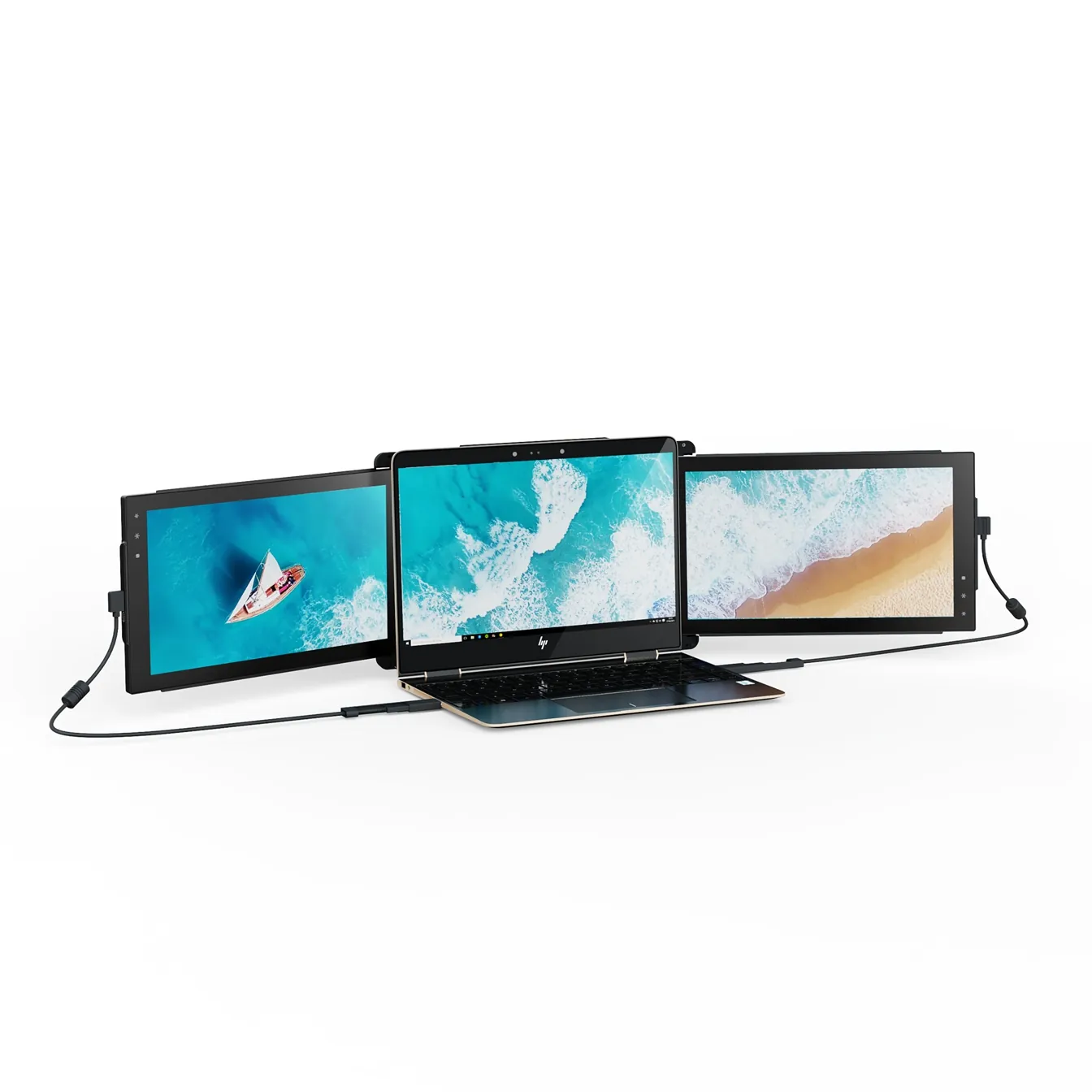
TripleTwo 12.5" slide-out panels turn your laptop into an instant triple-monitor setup.
$399 – $499
Affiliate link — commission earned at no cost to you.