
The Best Portable Monitor for Travel and Digital Nomads in 2026
Updated
Dr Claude T
Hematologist & productivity researcher
Medical doctor, multi-screen ergonomics researcher.
About the author →Travel gear lives a hard life: cabin pressure, vans on rough roads, cafés with one outlet for the whole room. A portable monitor for travel needs to be light, robust and quick to deploy. Here's what actually works.
Total carry weight
Every gram counts when you're carrying everything. A 580 g Duex Lite is a different proposition from a 1.4 kg Trio — choose deliberately.
Single-cable operation
USB-C with Power Delivery means one cable for video and power, leaving outlets free for your laptop. Critical in cafés and airports.
Durability of mount
Magnetic mounts that have been tested through hundreds of deploy/retract cycles. Look for a textile secondary anchor as backup.
Top picks by persona
Ambitious nomad, productivity-first
Mobile Pixels Trio
Three screens in a single carry. Worth the weight if you live in spreadsheets.
Light traveller, hotel/coworking rotation
Mobile Pixels Glance Pro OLED
Standalone OLED that doesn't add weight to your laptop.
Backpack-first minimalist
Mobile Pixels Duex Lite
Lightest option, simplest setup, lowest opportunity cost.
Common mistakes to avoid
- Buying the heaviest option then resenting the extra kilo every day
- Forgetting that a 100W GaN charger is the actual nomad upgrade
- Not budgeting for an eSIM data plan as deployment infrastructure
- Skipping cloud + encrypted SSD backups before they're needed
Frequently asked questions
Will a portable monitor survive airline cabin pressure?
Yes — portable monitors are designed for travel use. Pack them inside your bag's padded laptop sleeve, not loose in checked luggage.
Can I use a portable monitor in coffee shops?
Yes, single-cable USB-C models are particularly suited to coffee-shop workflows where outlet access is limited.
What about international power adapters?
If your laptop charger uses USB-C PD, your monitor uses the same cable from the same charger. No additional adapter needed.
Recommended products
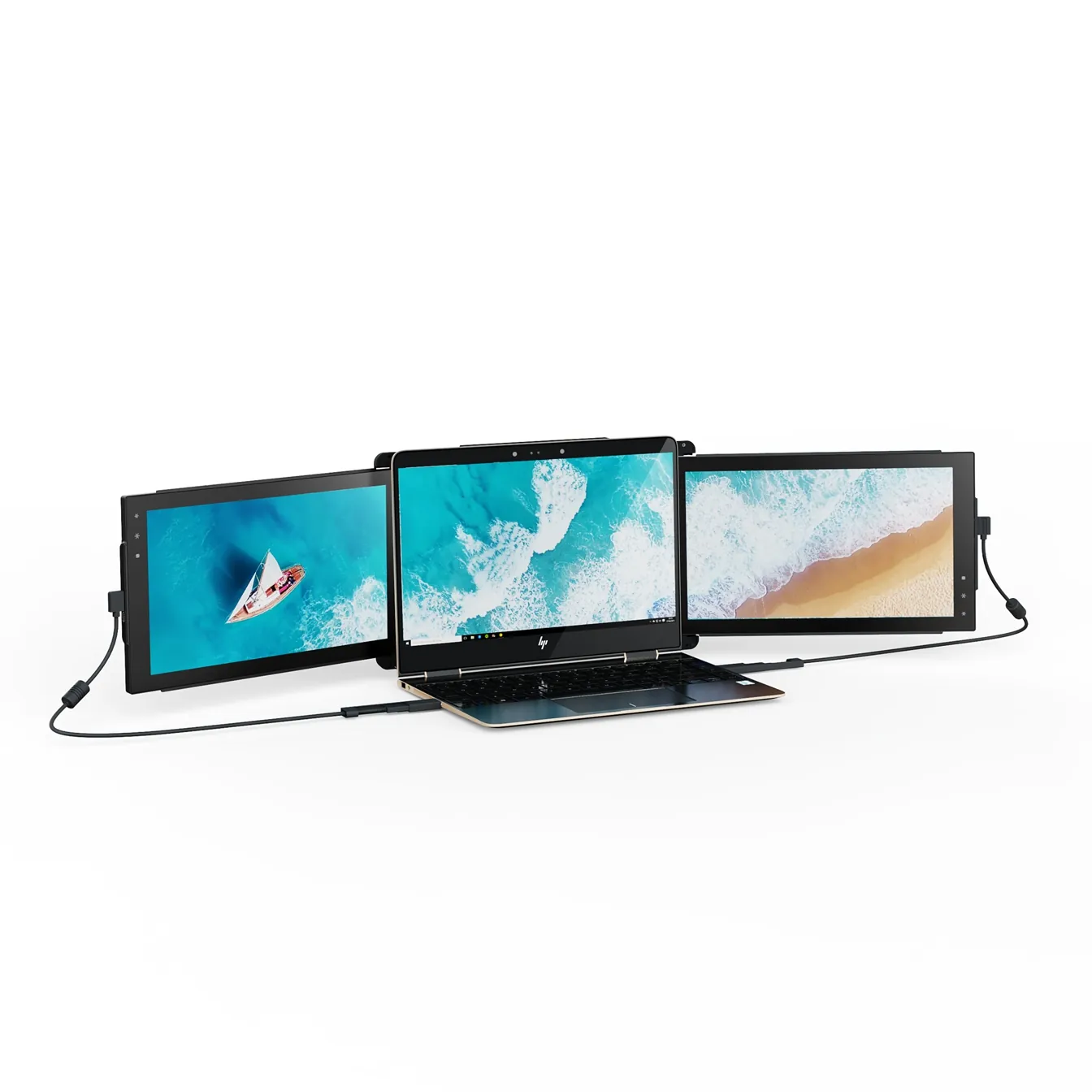
Mobile Pixels Trio
TripleTwo 12.5" slide-out panels turn your laptop into an instant triple-monitor setup.
$399 – $499
Affiliate link — commission earned at no cost to you.
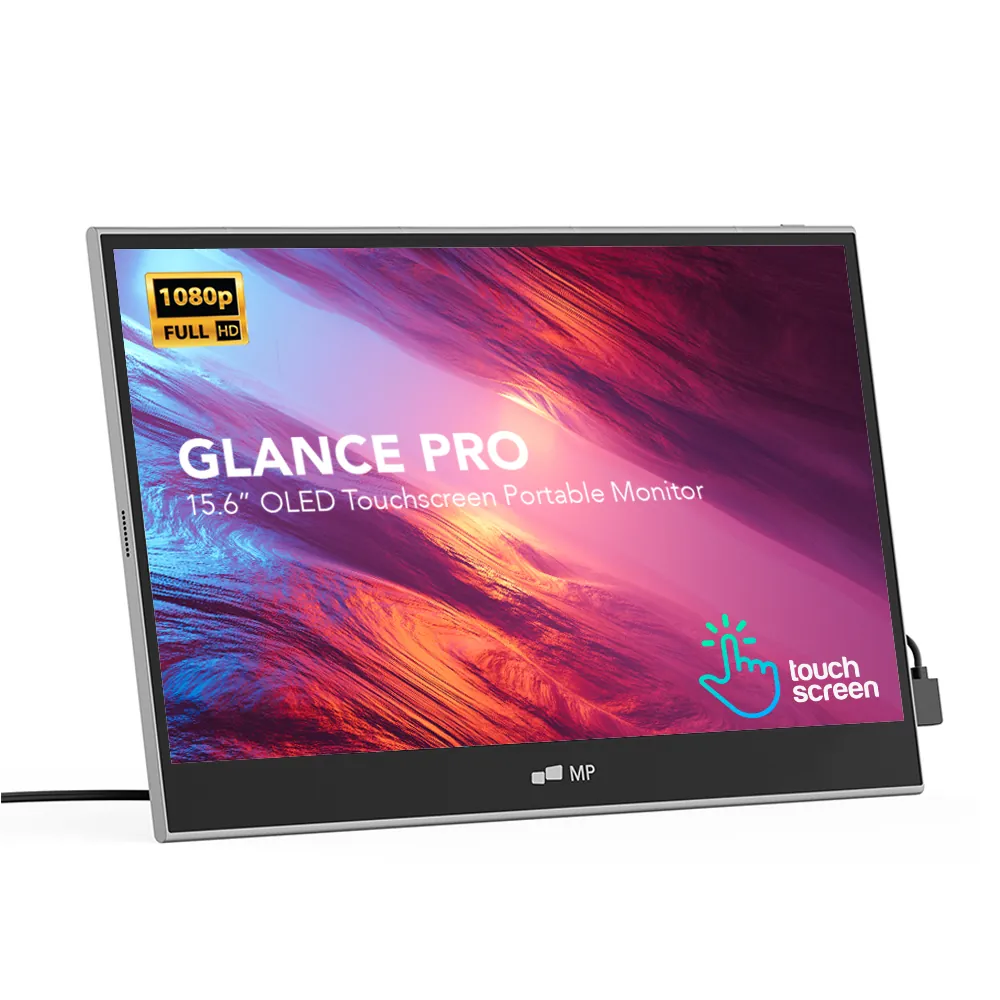
Mobile Pixels Glance Pro OLED
StandaloneA standalone 15.6" OLED touchscreen for clinical work and color-critical tasks.
$549 – $699
Affiliate link — commission earned at no cost to you.
Mobile Pixels Duex Lite
DualThe lightweight 12.5" entry point to portable dual-screen work.
$199 – $229
Affiliate link — commission earned at no cost to you.