Research-based review
Mobile Pixels Glance Pro OLED Review: Standalone Portable Display
Updated
Dr Claude T
Hematologist & productivity researcher
Medical doctor, multi-screen ergonomics researcher.
About the author →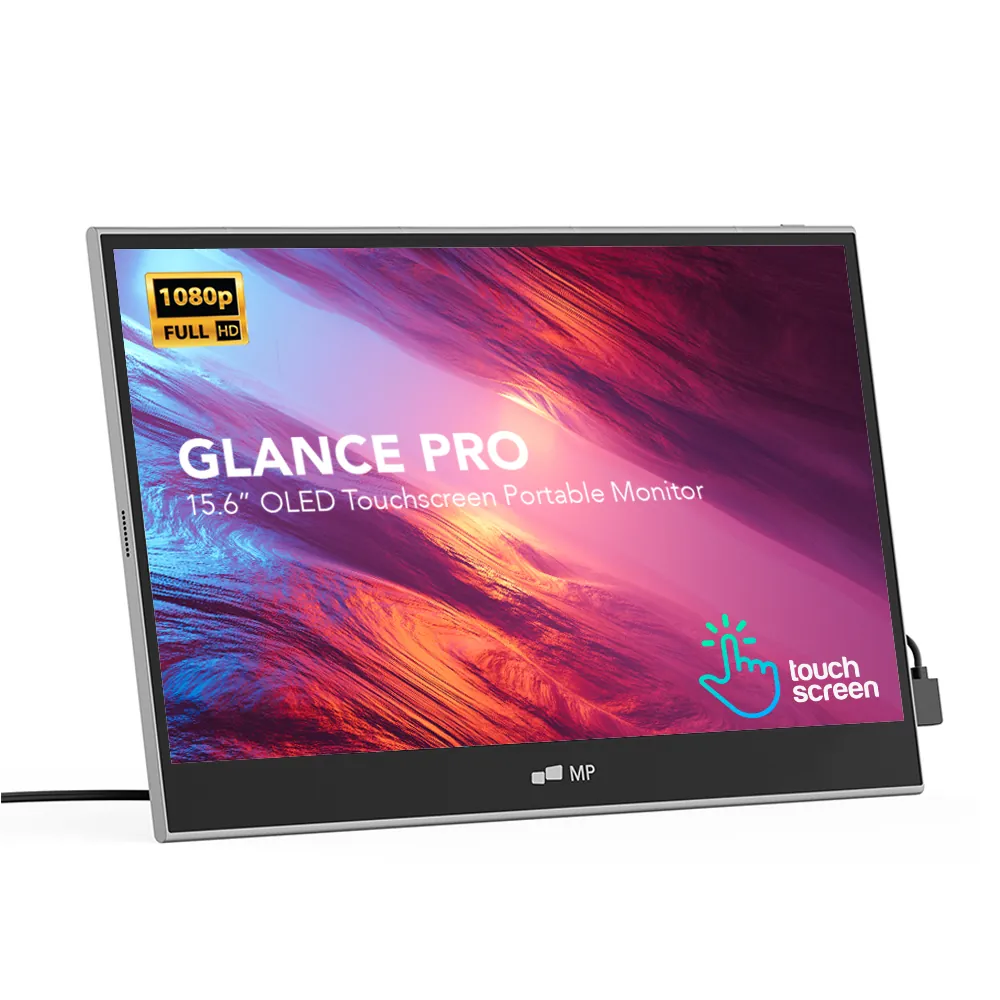
Verdict
The Glance Pro OLED is the right choice when you need image quality and touch input that the slide-out monitors cannot deliver. Standalone, color-accurate, premium.
The Glance Pro OLED is a different animal from the Duex and Trio. It's a standalone 15.6-inch OLED touchscreen with its own stand, designed for situations where you set up at a desk, hotel room or workstation rather than carry a panel attached to your lid.
Mobile Pixels Glance Pro OLED
$549 – $699
Prices and availability may change.
Display quality
15.6-inch 1920×1080 OLED panel. OLED brings true blacks, high contrast and significantly richer color reproduction than IPS. The panel is touch-enabled with 10-point capacitive input — useful for clinicians annotating imaging, designers reviewing layouts and anyone who works in touch-first applications.
Build and form factor
The Glance Pro sits on its own integrated stand and takes a single USB-C cable for video + power. No magnetic plate on your laptop, no slide-out mechanism — it's a true external monitor that happens to be portable.
Best-fit use cases
Clinical workflows where image quality matters (reviewing imaging side-by-side with notes), color-aware work, touch-driven applications, and any scenario where you set up at one location for hours rather than dock in and out.
Portable monitor extension: what this model changes in real-world use
Standing on its own kickstand rather than clipping to the lid, this OLED panel still functions as a screen extender for your laptop: paired with the built-in display it forms a dual screen laptop setup tuned for image quality. A single USB-C cable plus “Extend display” in Windows or macOS is enough to place colour-critical work on the OLED and keep tools and notes on the primary display.
Pros
- OLED panel — true blacks, high contrast, accurate colors
- 15.6" gives genuinely usable screen real estate
- 10-point touch input
- Standalone — no attachment to your laptop
- Single USB-C cable
Cons
- Higher price than IPS portable monitors
- Standalone form factor takes more desk space
- OLED has long-term burn-in considerations for static UIs
Mobile Pixels Glance Pro OLED
Prices and availability may change.
You should buy it if…
- Clinicians and medical researchers reading imaging or detailed visuals
- Designers and developers needing color-aware secondary display
- Anyone who values touch input on a portable monitor
Skip it if…
- Pure productivity users who would benefit more from triple screens (Trio)
- Budget-conscious buyers — start with Duex Lite or Duex Plus
- Users who need a lid-attached form factor for fast deploy
Specifications
- Screen size
- 15.6 inches
- Resolution
- 1920 × 1080
- Panel type
- OLED, touch-enabled
- Touch input
- 10-point capacitive
- Connectivity
- USB-C + HDMI
- Weight
- ~900 g (panel only)
- Form factor
- Standalone with integrated stand
Compatibility
- macOS. Native external display via USB-C. Touch input is read by supported apps.
- Windows. Full touch support in Windows 10/11.
- iPadOS. External display via USB-C; touch handled by iPad's own screen.
- ChromeOS. Plug-and-play, touch-aware in Chromium apps.
Frequently asked questions
Is OLED reliable for long workdays, given burn-in?
OLED burn-in is a long-term consideration for static UIs displayed for many hours daily over years. For mixed-content work the risk is low; for dedicated dashboard displays, consider an IPS alternative.
Does touch work on macOS?
macOS does not natively support touch input as a system input method, but supported third-party apps can read touch events from the Glance Pro.
Is the Glance Pro suitable for medical imaging review?
It can be used to review imaging for non-diagnostic purposes (workflow, second-opinion discussion, education). It is not a medical-grade DICOM display and should not be used for primary diagnostic interpretation. This is an editorial recommendation; consult your institution's IT/clinical policies.
Can I use the Glance Pro as my only external monitor at a fixed desk?
Yes — many users do. It's overkill for pure productivity but excellent for color-aware single-monitor setups.
What about color calibration?
The Glance Pro ships color-calibrated from the factory and supports standard calibration workflows with hardware colorimeters.
Alternatives to consider
Mobile Pixels Duex Plus
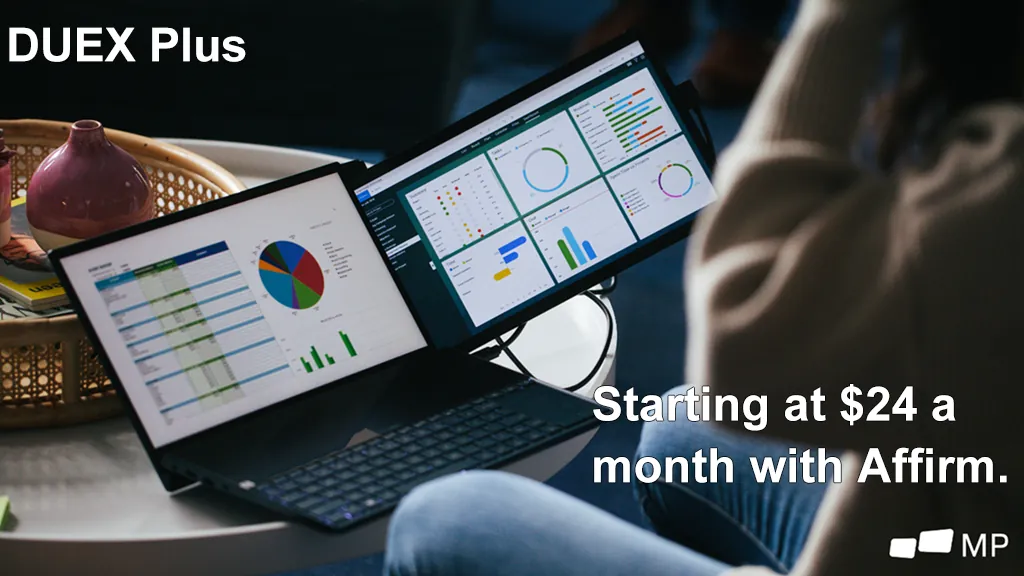
DualA 13.3" magnetic slide-out display, the everyday workhorse of portable dual-screen.
$269 – $329
Affiliate link — commission earned at no cost to you.
Mobile Pixels Trio
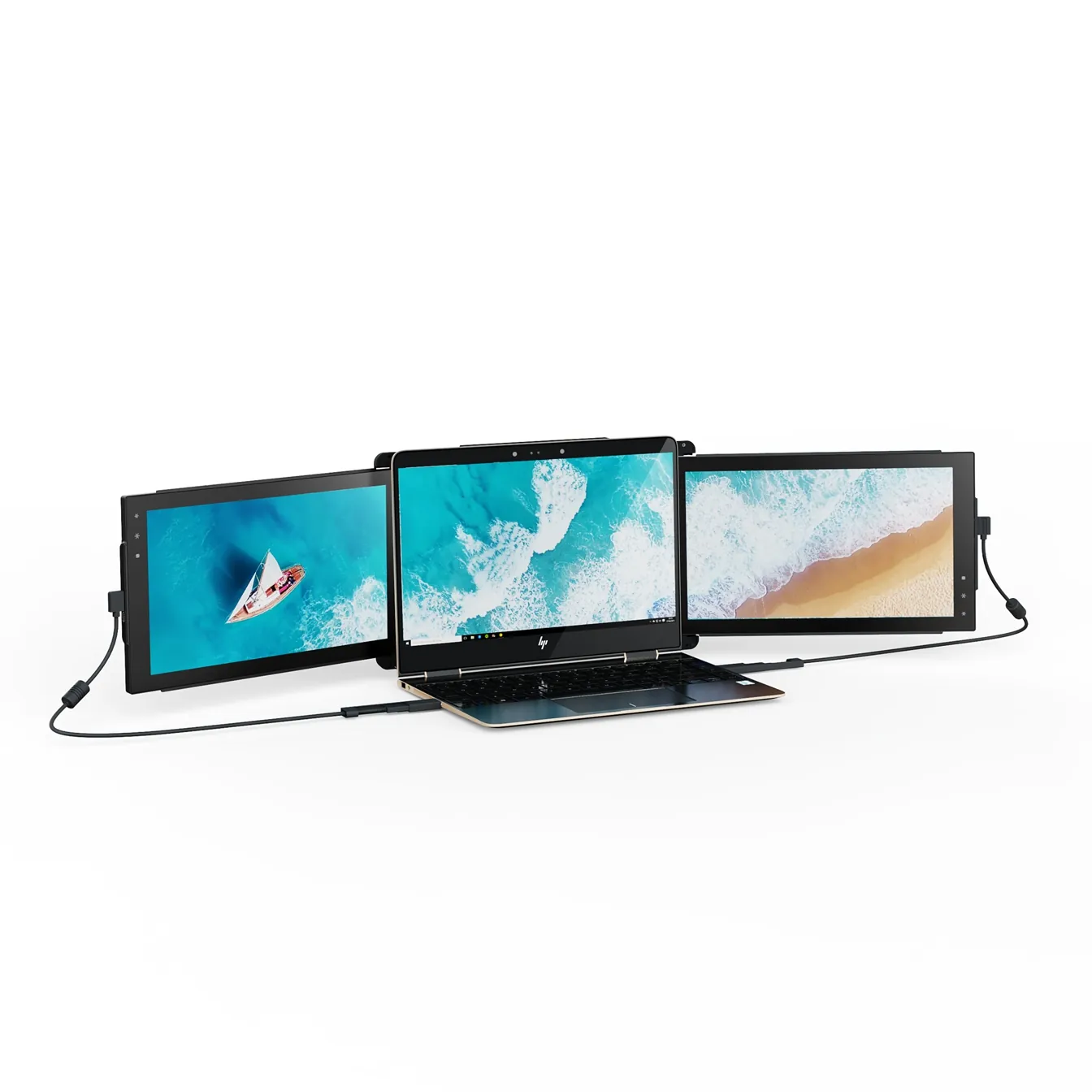
TripleTwo 12.5" slide-out panels turn your laptop into an instant triple-monitor setup.
$399 – $499
Affiliate link — commission earned at no cost to you.