How to Choose a Portable Monitor in 2026: The Complete Guide
Updated
Dr Claude T
Hematologist & productivity researcher
Medical doctor, multi-screen ergonomics researcher.
About the author →Portable monitors range from $150 clones to $700 OLED touchscreens. This guide walks through the four buying criteria that actually matter, then maps them to real-world workflows so you don't overspend — or under-spec.
Start with your laptop, not the monitor
Confirm your laptop's USB-C port carries DisplayPort Alt Mode. Without it, you're stuck with HDMI + a separate power cable and lose the main appeal of portable monitors.
Panel size drives everything else
12.5" panels weigh the least and fit any bag. 13.3" is the sweet spot for daily work. 15.6" gives desktop-class real estate but stops being truly portable.
Mount type = deployment speed
Magnetic slide-outs (Duex, Trio) deploy in 10 seconds but tie the screen to the laptop lid. Standalone monitors (Glance Pro) take a minute but free the laptop and rotate freely.
Brightness and color if you care about them
300 nits is the daily minimum. If you edit photo, video or medical imaging, an OLED panel with 400+ nits and 100% DCI-P3 is the only credible answer.
Top picks by persona
Everyday remote worker
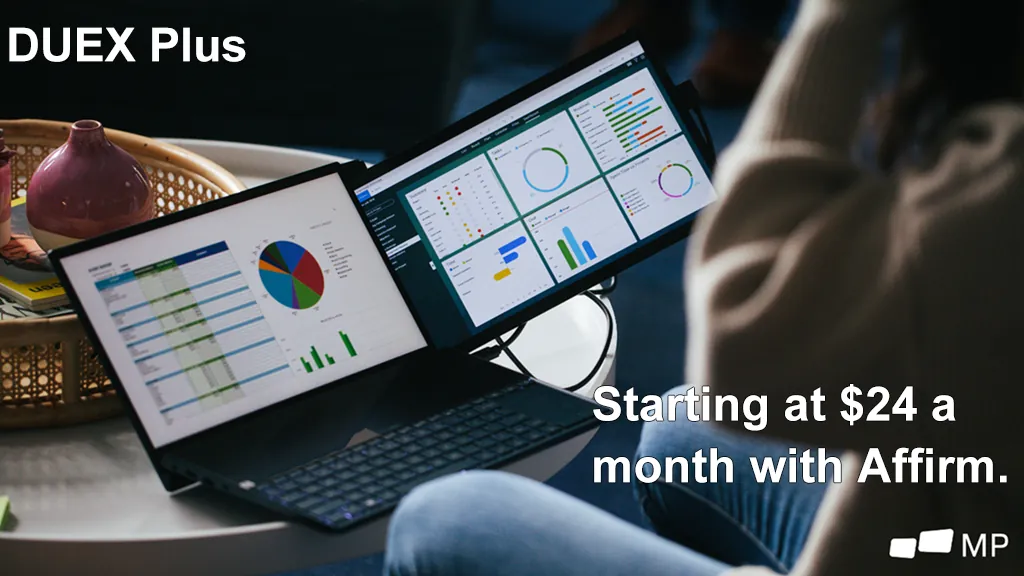
Mobile Pixels Duex Plus
Best size-to-portability ratio for daily use.
Triple-screen power user
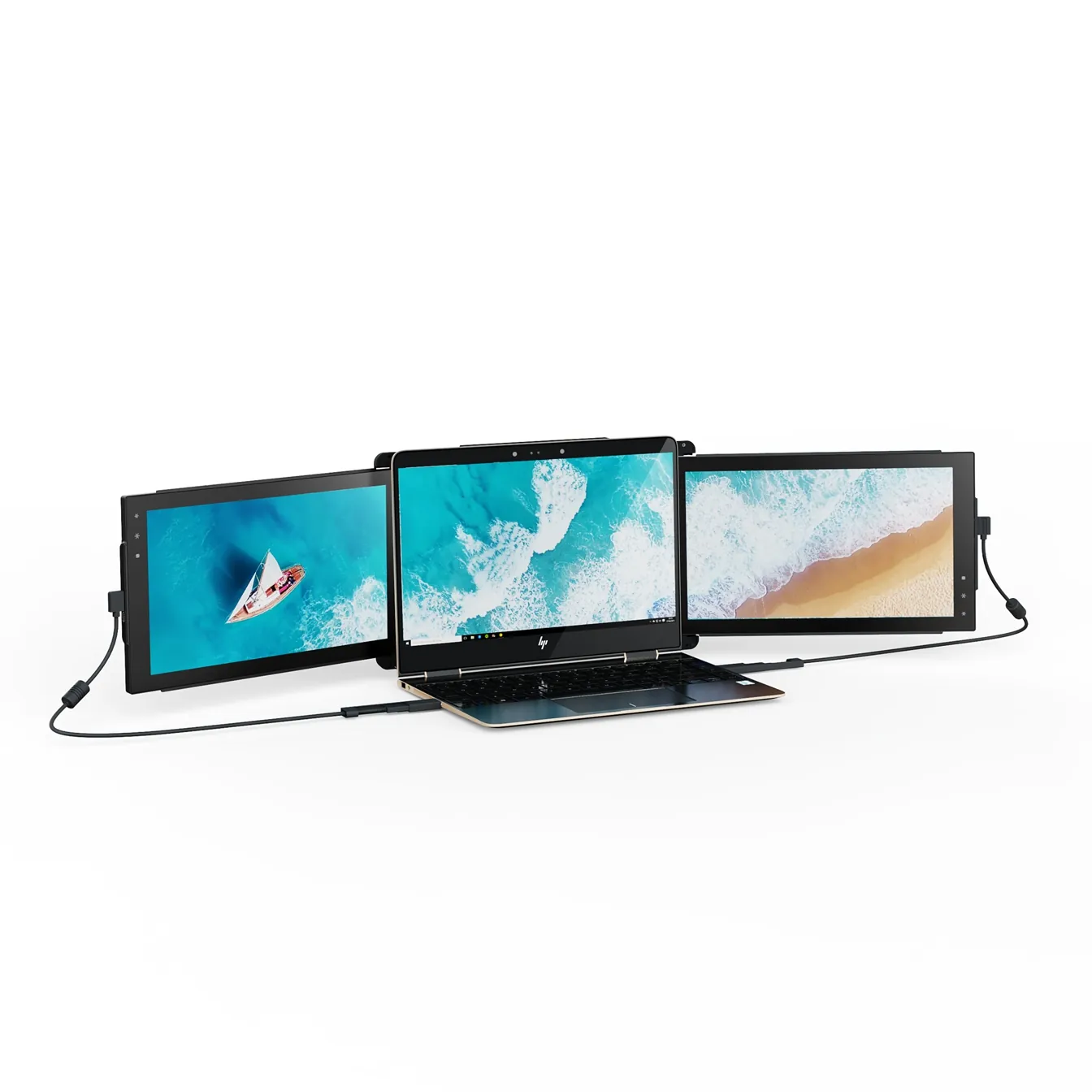
Mobile Pixels Trio
Only realistic path to three panels on the road.
Color-critical or clinical use
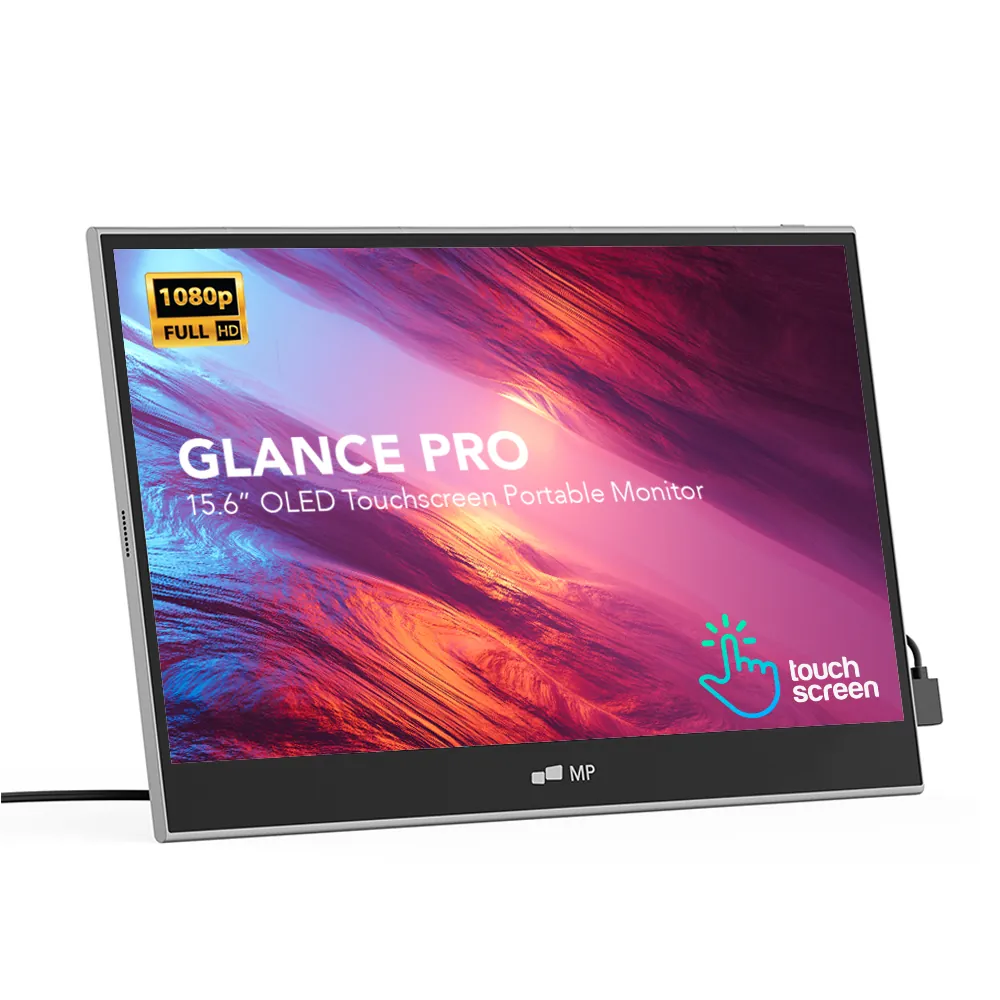
Mobile Pixels Glance Pro OLED
OLED panel + touch, standalone.
Common mistakes to avoid
- Buying before confirming USB-C DisplayPort Alt Mode support
- Choosing 15.6" when 13.3" would fit both bag and workflow
- Ignoring the mount material — plastic frames scratch aluminium lids
- Paying OLED premium when a $270 IPS panel would do
Frequently asked questions
What's the difference between USB-C and HDMI portable monitors?
USB-C carries video and power on one cable when your laptop supports DisplayPort Alt Mode. HDMI monitors need a separate USB-A cable for power. Prefer USB-C when possible — see our USB-C vs HDMI guide.
Do I need a touchscreen?
Only if your workflow benefits: pen input, kiosk demos, clinical annotation, quick sketching. Otherwise a non-touch panel is cheaper and lighter.
How long do portable monitors last?
IPS panels last 30,000-50,000 hours of continuous use. Mechanical points (magnetic hinges, USB-C ports) fail first — check warranty terms carefully.
Recommended products
Mobile Pixels Duex Plus
DualA 13.3" magnetic slide-out display, the everyday workhorse of portable dual-screen.
$269 – $329
Affiliate link — commission earned at no cost to you.
Mobile Pixels Trio
TripleTwo 12.5" slide-out panels turn your laptop into an instant triple-monitor setup.
$399 – $499
Affiliate link — commission earned at no cost to you.
Mobile Pixels Glance Pro OLED
StandaloneA standalone 15.6" OLED touchscreen for clinical work and color-critical tasks.
$549 – $699
Affiliate link — commission earned at no cost to you.