
Multi-Screen Ergonomics: Avoiding MSDs and Eye Strain
Updated
Dr Claude T
Hematologist & productivity researcher
Medical doctor, multi-screen ergonomics researcher.
About the author →A second screen boosts productivity — until neck pain, dry eyes and shoulder tension catch up. This guide covers screen positioning, distance, lighting and micro-breaks, with specific advice for portable monitor setups.
Top of the screen at eye level
The top edge of your primary screen should be at or just below eye level. Portable monitors on a laptop lid usually break this rule — pair them with a laptop stand or standalone unit.
50-70 cm viewing distance
Screens closer than 50 cm accelerate accommodative fatigue. For a 13" panel, 60 cm is a good starting point; for 15.6", closer to 70 cm.
Avoid the neck twist
A slide-out portable monitor to one side forces asymmetric neck rotation. Alternate the side every day, or centre a standalone monitor on the desk.
20-20-20 rule for eye strain
Every 20 minutes, look at something 20 feet (6 m) away for 20 seconds. Simple, effective, cheap.
Top picks by persona
Long clinical sessions (radiology, teleconsult)
Mobile Pixels Glance Pro OLED
Standalone OLED positioned centrally, tilt and rotation adjustable.
Daily remote work with occasional travel
Mobile Pixels Duex Plus
Combined with a laptop stand, keeps both screens at eye level.
Triple-screen coder or trader
Mobile Pixels Trio
Symmetric layout reduces one-sided neck rotation vs single slide-out.
Common mistakes to avoid
- Using a laptop screen as primary without a stand — automatic neck flexion
- Placing the second monitor at an aggressive angle from the primary
- Ignoring room lighting — screen glare drives more strain than screen brightness
- Skipping micro-breaks because the workflow feels productive
Frequently asked questions
Is portrait or landscape better for a second monitor?
Portrait suits code, long documents and PACS medical viewing. Landscape suits spreadsheets and video conferencing. Match orientation to the content, not to what looks cool.
Do blue-light glasses help?
Evidence is weak. The strongest interventions are screen distance, break frequency, and reducing ambient glare — see Cochrane reviews on visual fatigue.
How high should a laptop stand be?
High enough that the top of the primary screen is at eye level when you sit with a neutral spine. Adjustable stands beat fixed-height ones.
Recommended products
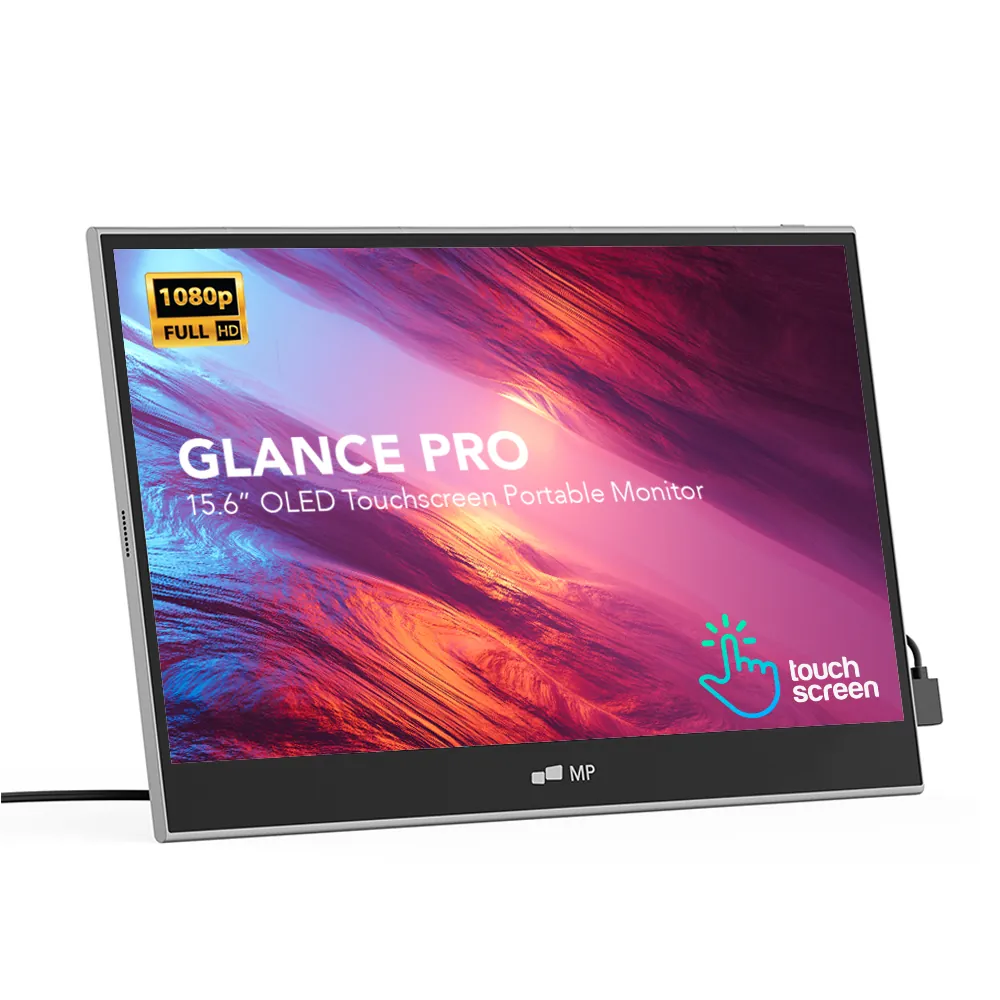
Mobile Pixels Glance Pro OLED
StandaloneA standalone 15.6" OLED touchscreen for clinical work and color-critical tasks.
$549 – $699
Affiliate link — commission earned at no cost to you.
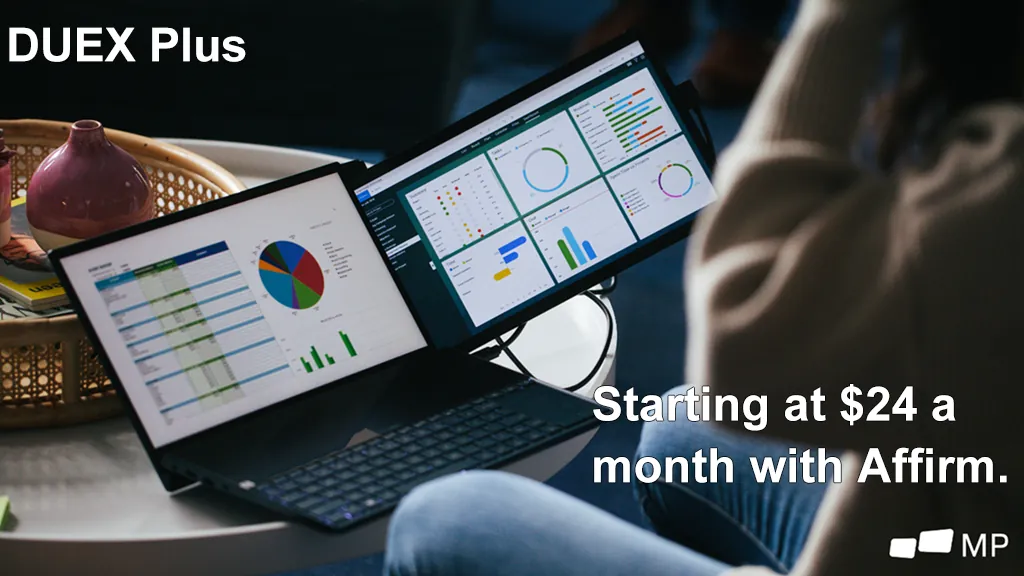
Mobile Pixels Duex Plus
DualA 13.3" magnetic slide-out display, the everyday workhorse of portable dual-screen.
$269 – $329
Affiliate link — commission earned at no cost to you.
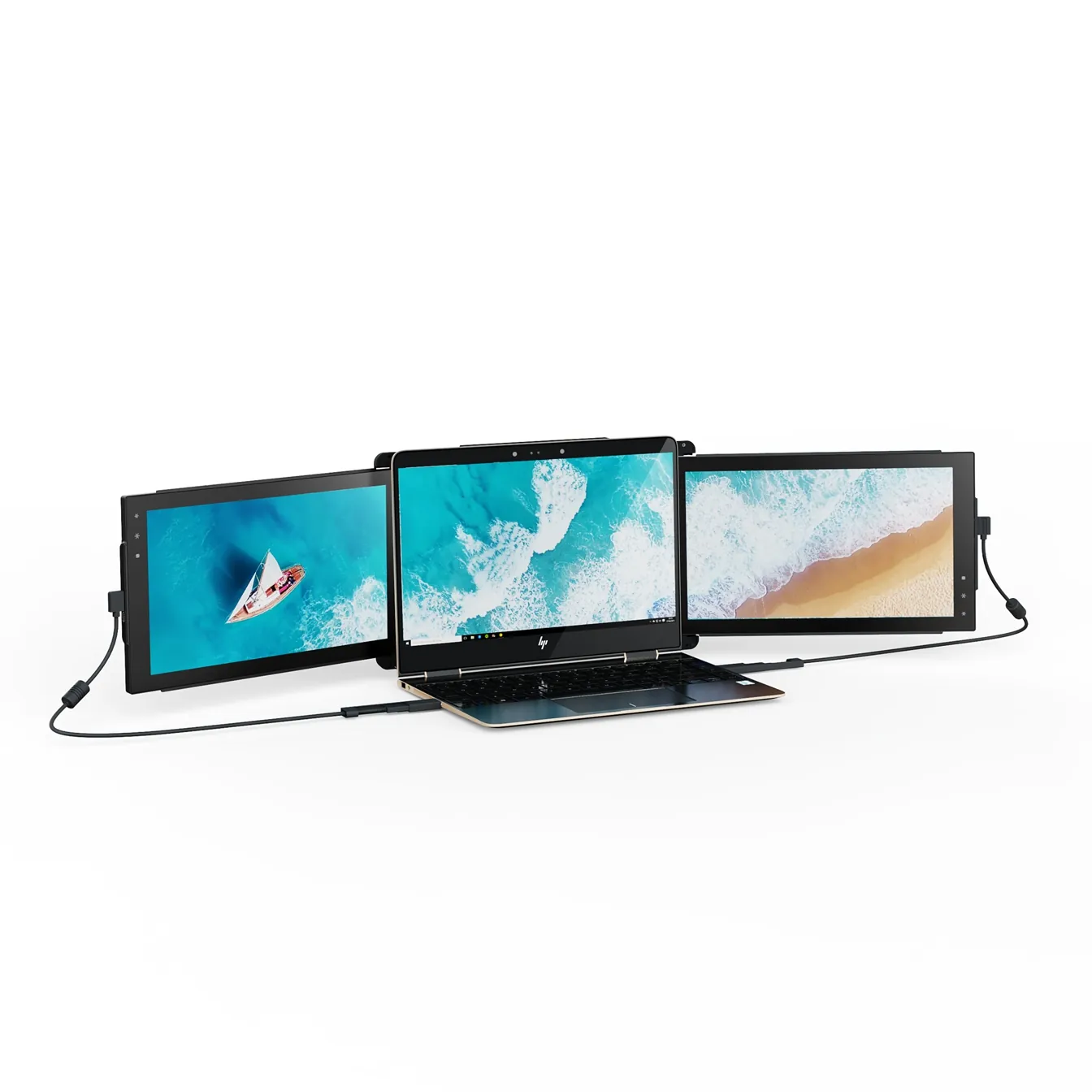
Mobile Pixels Trio
TripleTwo 12.5" slide-out panels turn your laptop into an instant triple-monitor setup.
$399 – $499
Affiliate link — commission earned at no cost to you.