
Triple-Screen Setup on MacBook Pro (M-Series): The Complete Tutorial
Updated
Dr Claude T
Hematologist & productivity researcher
Medical doctor, multi-screen ergonomics researcher.
About the author →Apple Silicon MacBooks changed the external-display rules. This tutorial covers the M1/M2/M3/M4 differences, cable selection, macOS Displays configuration, and the specific quirks of Mobile Pixels Trio on MacBook.
Know your MacBook's display limit
M1 Pro/Max/Ultra and M2 Pro/Max: multiple native displays. Base M1/M2/M3: only one external display natively. Base MacBook Air needs a DisplayLink workaround for a second external screen.
Cable choice matters more than you think
Use Thunderbolt / USB-C cables rated for DisplayPort Alt Mode. Cheap USB-C-to-USB-C cables often carry data and power only, not video — a common cause of blank screens.
Display Arrangement in macOS
Open System Settings → Displays → Arrange, then drag each panel to match its physical position. Set the primary (menu bar) display to the one at eye level, not the laptop.
Battery vs desk power
Triple-screen setups draw significant power. On battery, macOS may throttle refresh rates. Plug in when running Trio for extended sessions.
Top picks by persona
MacBook Pro M-series power user
Mobile Pixels Trio
Two extra panels over one USB-C cable — the fastest triple-screen path on Mac.
MacBook Air (base chip)
Mobile Pixels Duex Plus
Single external + laptop screen works within the M-chip limit; DisplayLink only if you need three.
MacBook + external color work
Mobile Pixels Glance Pro OLED
OLED accuracy makes it the third screen of choice for Final Cut, Photoshop, DICOM.
Common mistakes to avoid
- Buying Trio for a base MacBook Air without checking the one-display limit
- Using a random USB-C cable instead of a Thunderbolt-rated one
- Forgetting to enable 'Show mirroring options in menu bar' for quick swap
- Setting the laptop screen as primary — undermines the whole triple layout
Frequently asked questions
Does the base M3 MacBook Air support two external displays?
Only with the lid closed (clamshell mode) since macOS 14. Otherwise it's one external + laptop screen. DisplayLink extends this at a CPU cost.
Will Trio work on M4 MacBook Pro?
Yes. All M4 Pro/Max chips support enough native display streams for Trio's two panels plus the laptop screen.
Can I run 4K on all three screens?
Portable monitors are typically 1080p or 1440p — check specs. Even at 1080p, three screens on a MacBook Pro run smoothly on battery for hours.
Recommended products
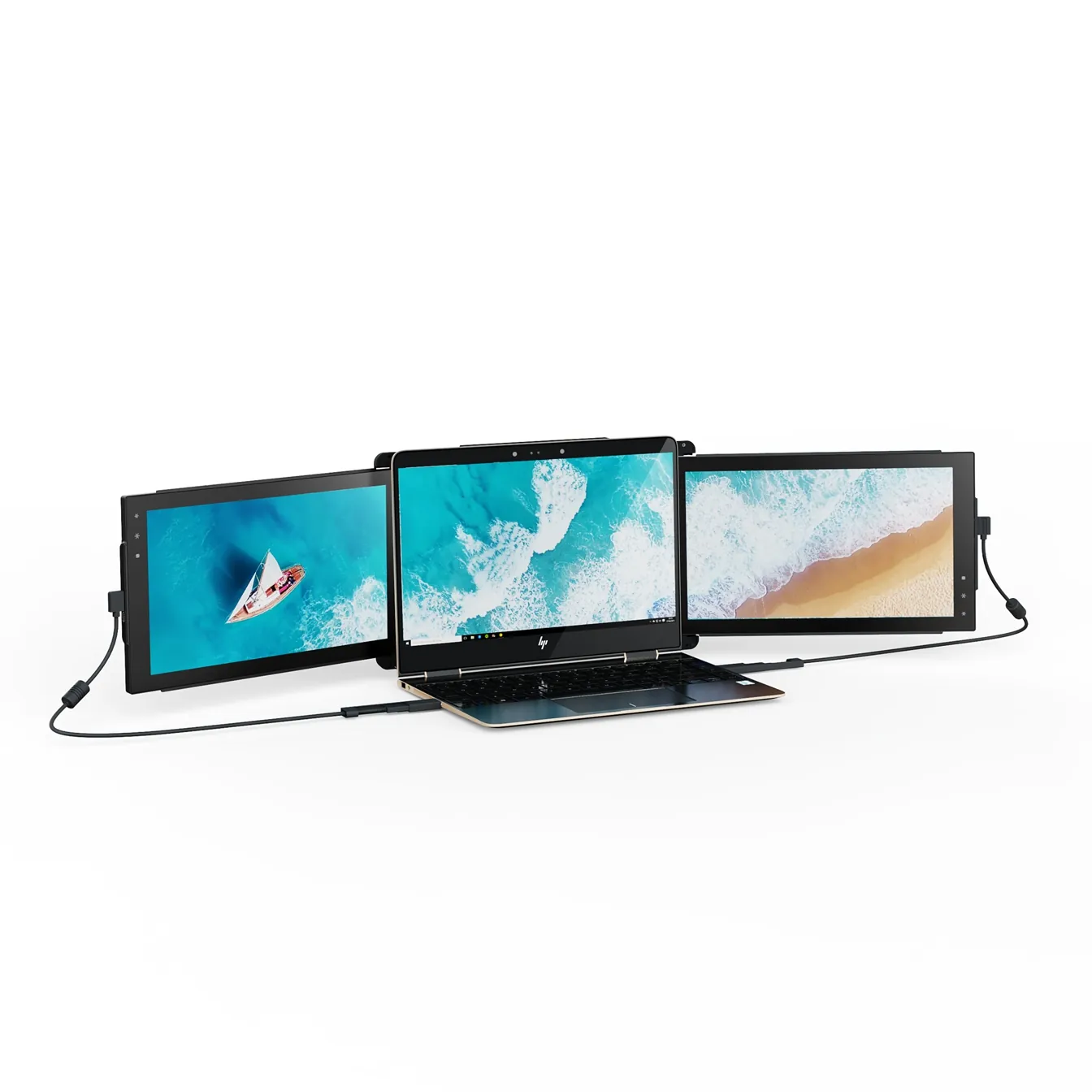
Mobile Pixels Trio
TripleTwo 12.5" slide-out panels turn your laptop into an instant triple-monitor setup.
$399 – $499
Affiliate link — commission earned at no cost to you.

Mobile Pixels Duex Plus
DualA 13.3" magnetic slide-out display, the everyday workhorse of portable dual-screen.
$269 – $329
Affiliate link — commission earned at no cost to you.
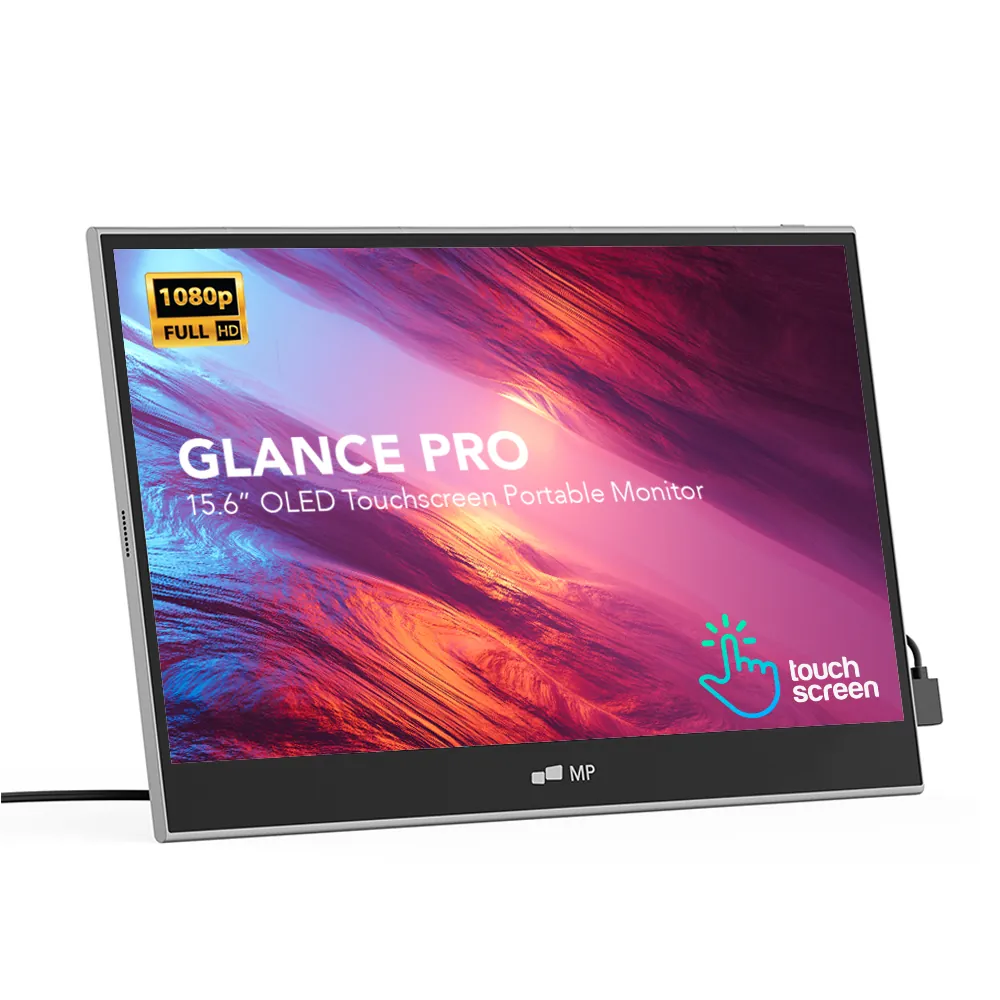
Mobile Pixels Glance Pro OLED
StandaloneA standalone 15.6" OLED touchscreen for clinical work and color-critical tasks.
$549 – $699
Affiliate link — commission earned at no cost to you.