Teleconsultation Setup: A Portable Monitor for Medical Practice
Updated
Dr Claude T
Hematologist & productivity researcher
Medical doctor, multi-screen ergonomics researcher.
About the author →Teleconsultation is now standard medical practice, and a second screen is the difference between reading a patient's chart while making eye contact and losing the therapeutic connection. This tutorial covers screen selection, layout, and the specific constraints of medical use.
Camera on the primary, chart on the secondary
Keep the videoconference camera framed on your primary screen so eye contact stays natural. Move the patient record, imaging or notes to the secondary panel.
Colour accuracy for imaging
If you consult on dermatology, wound care, or any imaging during the call, an OLED panel with 100% DCI-P3 is not a luxury — it's the minimum honest baseline.
GDPR and physical positioning
Position the secondary screen so it's not visible from behind you (open-plan clinics, home consulting). A rotating standalone monitor beats a fixed slide-out here.
Sanitisation
Standalone monitors with a smooth OLED front (Glance Pro) can be wiped with alcohol between sessions. Textile-hinge portable monitors cannot.
Top picks by persona
Teleconsulting general practitioner
Mobile Pixels Glance Pro OLED
OLED accuracy for skin/wound imaging, easy to sanitise, freestanding.
Hospital-based teleexpertise
Mobile Pixels Trio
Three panels to hold DICOM viewer, patient record and video call simultaneously.
Occasional mobile consult (home visits)
Mobile Pixels Duex Plus
Slides onto a MacBook, fast deploy at the patient's home.
Common mistakes to avoid
- Consulting on a single laptop screen — patient chart hidden the whole session
- Using an IPS panel with poor colour for anything skin-related
- Placing the secondary panel behind the camera line — patient sees you looking away
- Ignoring GDPR line-of-sight in a shared workspace
Frequently asked questions
Is teleconsultation legally allowed on a portable setup?
In most EU jurisdictions yes, provided data-at-rest and data-in-transit are encrypted and the physical setup preserves confidentiality. This is a workflow question, not a hardware question.
Do I need a medical-grade monitor for diagnostic imaging?
For definitive diagnostic imaging (radiology reads), yes — regulated devices. For triage, second opinion and teleexpertise, a 100% DCI-P3 OLED panel is a defensible clinical baseline.
How do I share screens without exposing patient data?
Never share the desktop; share the specific application window. The secondary monitor lets you keep the sensitive window off the shared feed by design.
Recommended products
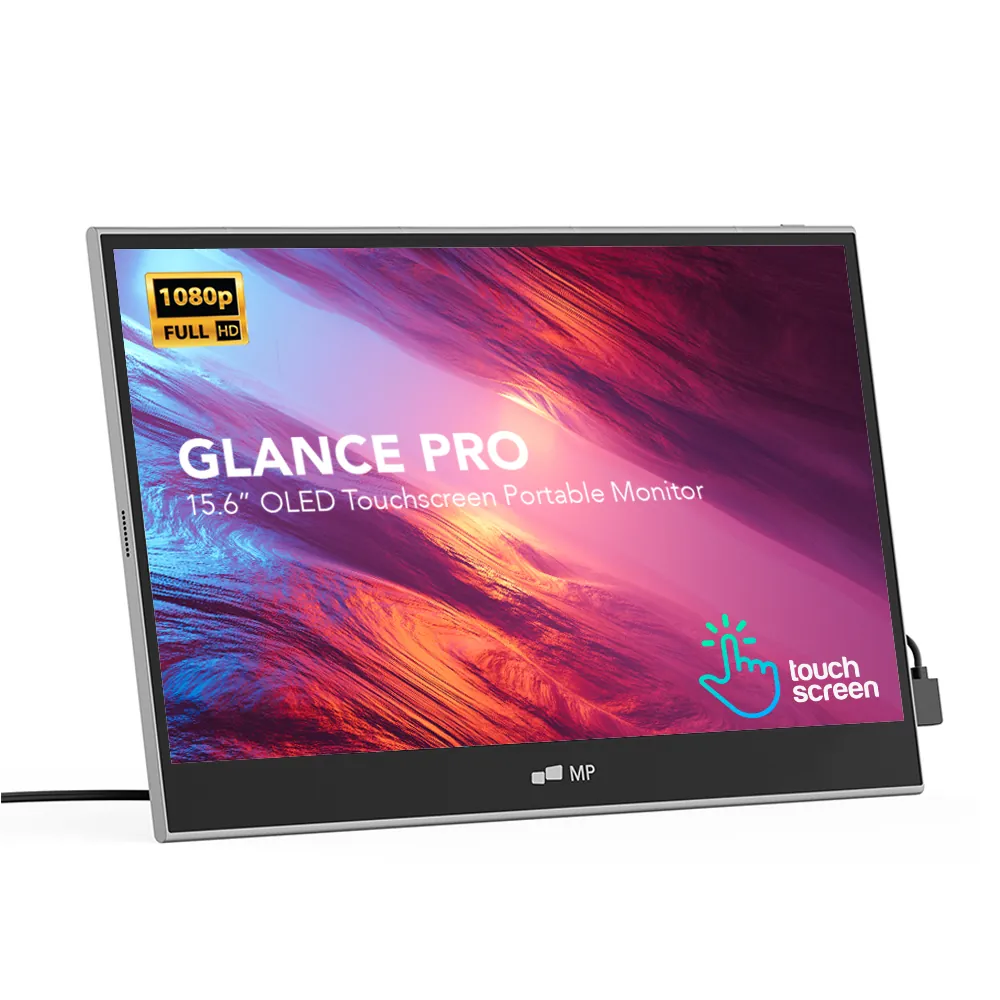
Mobile Pixels Glance Pro OLED
StandaloneA standalone 15.6" OLED touchscreen for clinical work and color-critical tasks.
$549 – $699
Affiliate link — commission earned at no cost to you.
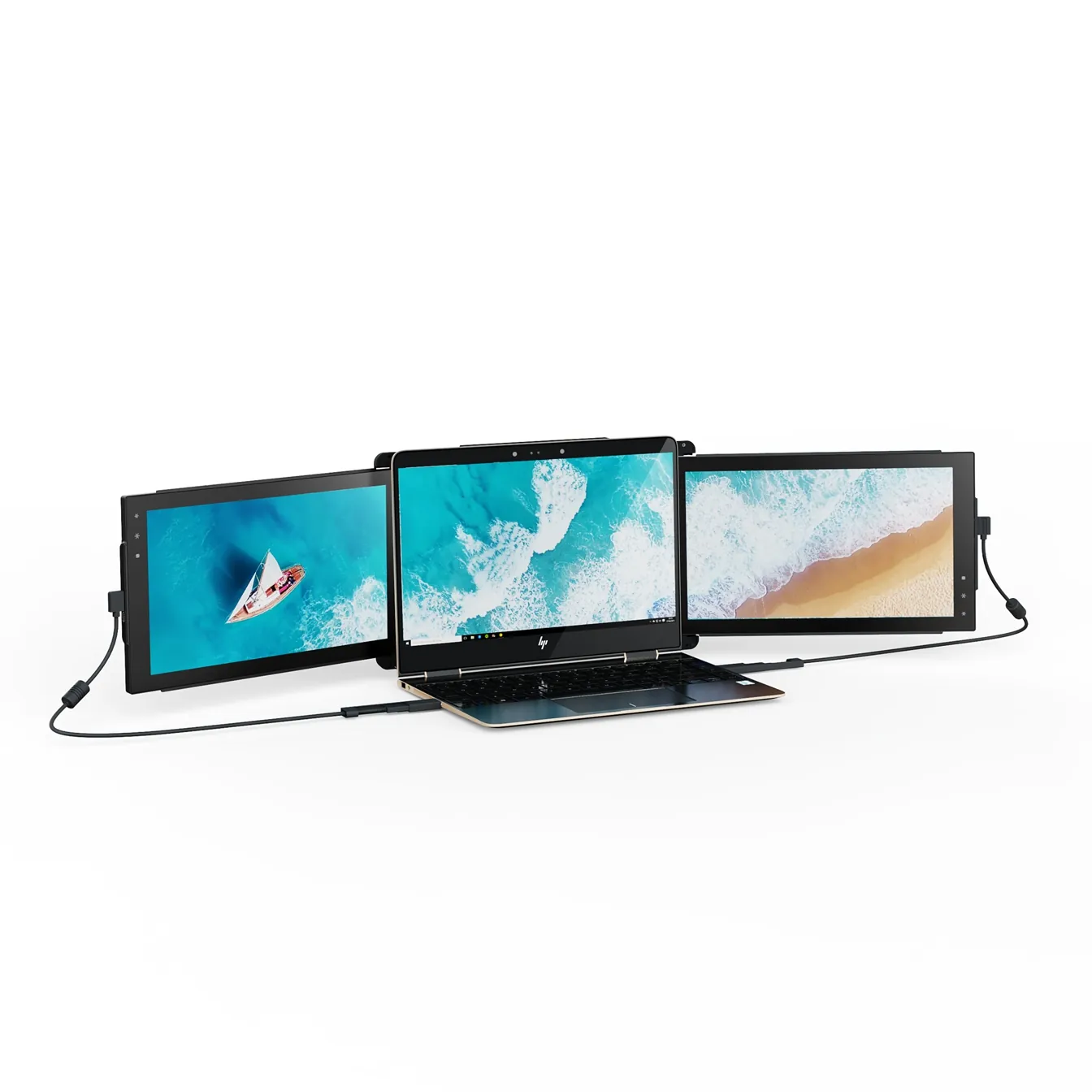
Mobile Pixels Trio
TripleTwo 12.5" slide-out panels turn your laptop into an instant triple-monitor setup.
$399 – $499
Affiliate link — commission earned at no cost to you.
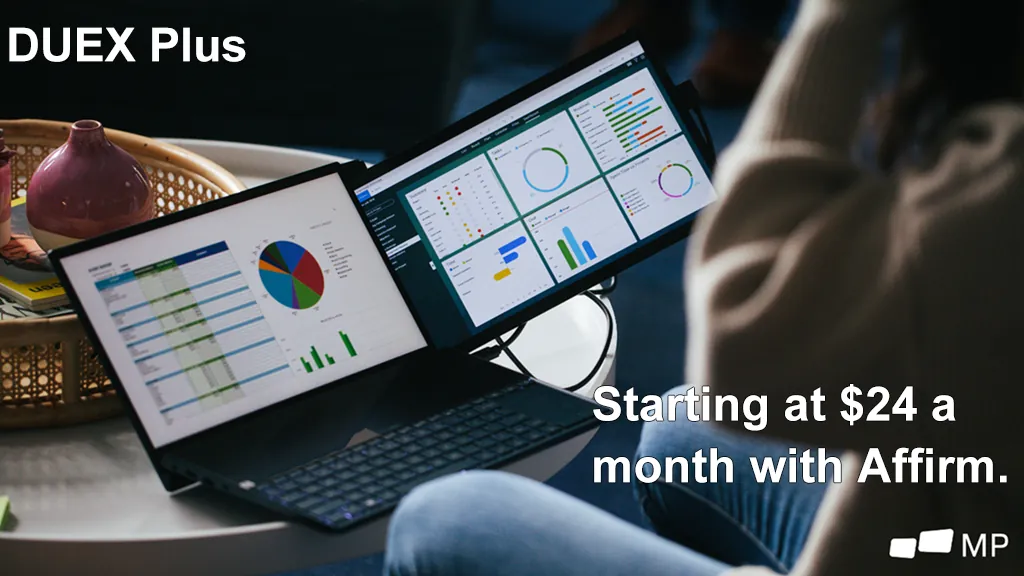
Mobile Pixels Duex Plus
DualA 13.3" magnetic slide-out display, the everyday workhorse of portable dual-screen.
$269 – $329
Affiliate link — commission earned at no cost to you.