
USB-C vs HDMI vs DisplayLink: Which Connection Fits Your Laptop?
Updated
Dr Claude T
Hematologist & productivity researcher
Medical doctor, multi-screen ergonomics researcher.
About the author →The single biggest cause of portable-monitor returns is connection mismatch. This guide explains USB-C DisplayPort Alt Mode, HDMI fallback, and DisplayLink software drivers — with concrete rules for MacBooks, ThinkPads and USB-C-only laptops.
USB-C DisplayPort Alt Mode: the modern default
One cable carries video, USB data and up to 100 W of power. Requires your laptop's USB-C port to explicitly support DP Alt Mode — check the manufacturer's spec sheet, not just the port shape.
HDMI + USB-A: universal but clunky
Every laptop from the last decade has HDMI or can adapt to it. Downside: two cables (video + power), and no charging pass-through. Fine as a fallback.
DisplayLink: the software workaround
DisplayLink uses USB data + a driver to emulate a display. Works on any USB port but adds CPU load, latency, and driver maintenance. Only pick it when USB-C and HDMI are genuinely unavailable.
Top picks by persona
USB-C laptop (MacBook, XPS, Framework)
Mobile Pixels Trio
Full triple-screen over a single USB-C cable when DP Alt Mode is available.
Corporate ThinkPad with HDMI
Mobile Pixels Duex Plus
Ships with both USB-C and HDMI, so falls back gracefully.
Clinical / color-critical desk
Mobile Pixels Glance Pro OLED
Standalone unit with its own power brick — never a compromise on brightness.
Common mistakes to avoid
- Assuming every USB-C port carries DisplayPort Alt Mode — many don't
- Buying a DisplayLink adapter just to save $20 on a native USB-C model
- Forgetting HDMI portable monitors need a spare USB-A port for power
- Chaining a USB-C hub in front of the monitor and losing 4K bandwidth
Frequently asked questions
How do I know if my laptop supports DisplayPort Alt Mode?
Look for the DisplayPort logo (a small D-shape) next to the USB-C port, or search '<your model> DisplayPort Alt Mode' in the manufacturer's spec sheet. MacBooks from 2016+ all support it.
Does DisplayLink work with macOS?
Yes with the official DisplayLink Manager app, but with visible latency for video and games. Native USB-C is dramatically better on Mac.
Can I run two portable monitors over one USB-C port?
Not reliably. Some laptops multiplex two DP streams over one port; most don't. A dedicated dual-screen product like the Trio is more predictable.
Recommended products
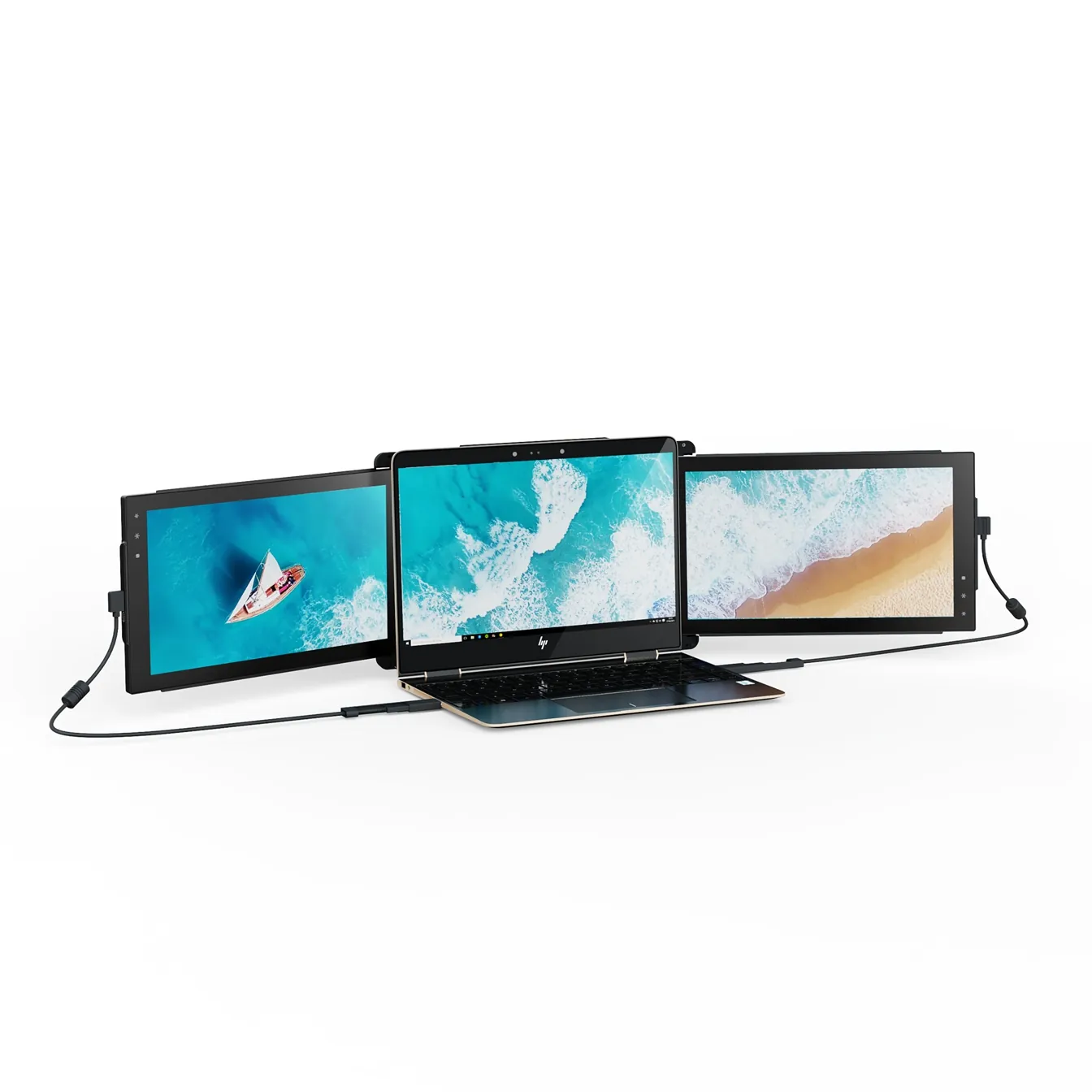
Mobile Pixels Trio
TripleTwo 12.5" slide-out panels turn your laptop into an instant triple-monitor setup.
$399 – $499
Affiliate link — commission earned at no cost to you.

Mobile Pixels Duex Plus
DualA 13.3" magnetic slide-out display, the everyday workhorse of portable dual-screen.
$269 – $329
Affiliate link — commission earned at no cost to you.
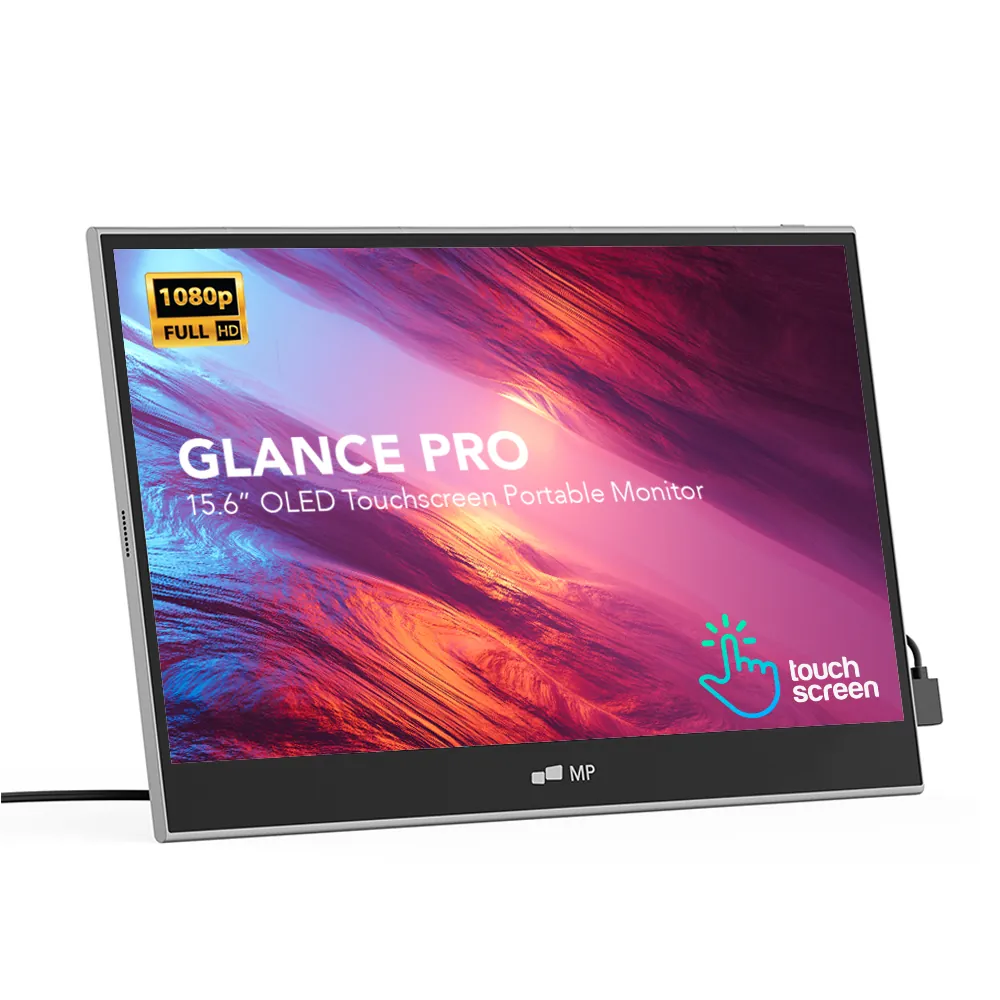
Mobile Pixels Glance Pro OLED
StandaloneA standalone 15.6" OLED touchscreen for clinical work and color-critical tasks.
$549 – $699
Affiliate link — commission earned at no cost to you.