Day-Trading Setup: Three Portable Screens to Follow the Markets
Updated
Dr Claude T
Hematologist & productivity researcher
Medical doctor, multi-screen ergonomics researcher.
About the author →Day traders need panels for the ladder, for charts and for news. A stationary bank of 27" monitors is the traditional answer — but a portable triple-screen setup lets you trade from a hotel, coworking space or holiday rental without missing the open.
One screen per information type
Ladder / order flow on one panel, charts (multiple timeframes) on another, news + macro on the third. Never mix — cognitive load kills execution speed.
Refresh rate matters less than you think
60 Hz is enough for equity and futures trading. HFT-style scalping is unrealistic on portable panels regardless of refresh.
Colour accuracy is a real edge
Green and red misreadings cost money. OLED panels (Glance Pro) give the cleanest signal on candlestick charts.
Anchor the setup
Rubber feet, a small clamp mount, or a laptop stand keep the panels stable when you tap keys quickly.
Top picks by persona
Full-time day trader on the move
Mobile Pixels Trio
Instant three-panel bank — matches the desktop workflow beat for beat.
Chart-first swing trader
Mobile Pixels Glance Pro OLED
Standalone OLED for candlestick clarity, second monitor for order entry.
News-driven macro trader
Mobile Pixels Duex Plus
One extra panel dedicated to Bloomberg / Twitter / news wires.
Common mistakes to avoid
- Running the platform on the laptop screen while looking at charts sideways
- Using a slow café WiFi for market data instead of a personal 5G hotspot
- Skipping a UPS-equivalent (power bank + laptop battery) for outage protection
- Ignoring latency between broker platform and monitor pipeline
Frequently asked questions
Is 1080p enough for trading charts?
Yes for most retail workflows. 1440p is nicer but not required — panel count matters more than resolution.
Which broker platforms work best across three portable screens?
Any platform that supports detachable windows: TradingView, ThinkOrSwim, IBKR TWS, NinjaTrader. Web-only tools are the weakest link.
Can I trade with the Trio on a MacBook Air?
Base M2/M3 Air is limited to one external monitor without DisplayLink. For serious trading, use a MacBook Pro or ThinkPad.
Recommended products
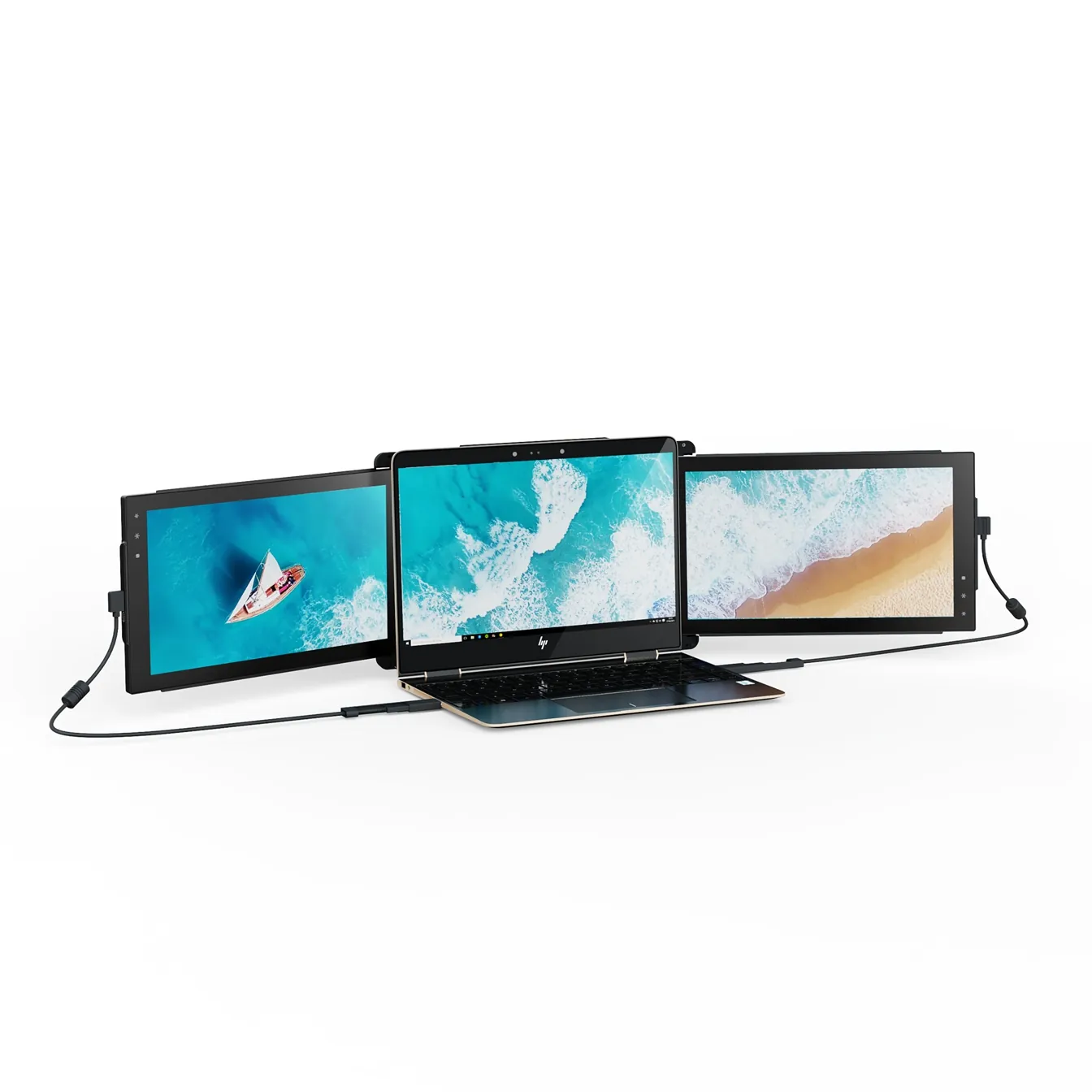
Mobile Pixels Trio
TripleTwo 12.5" slide-out panels turn your laptop into an instant triple-monitor setup.
$399 – $499
Affiliate link — commission earned at no cost to you.
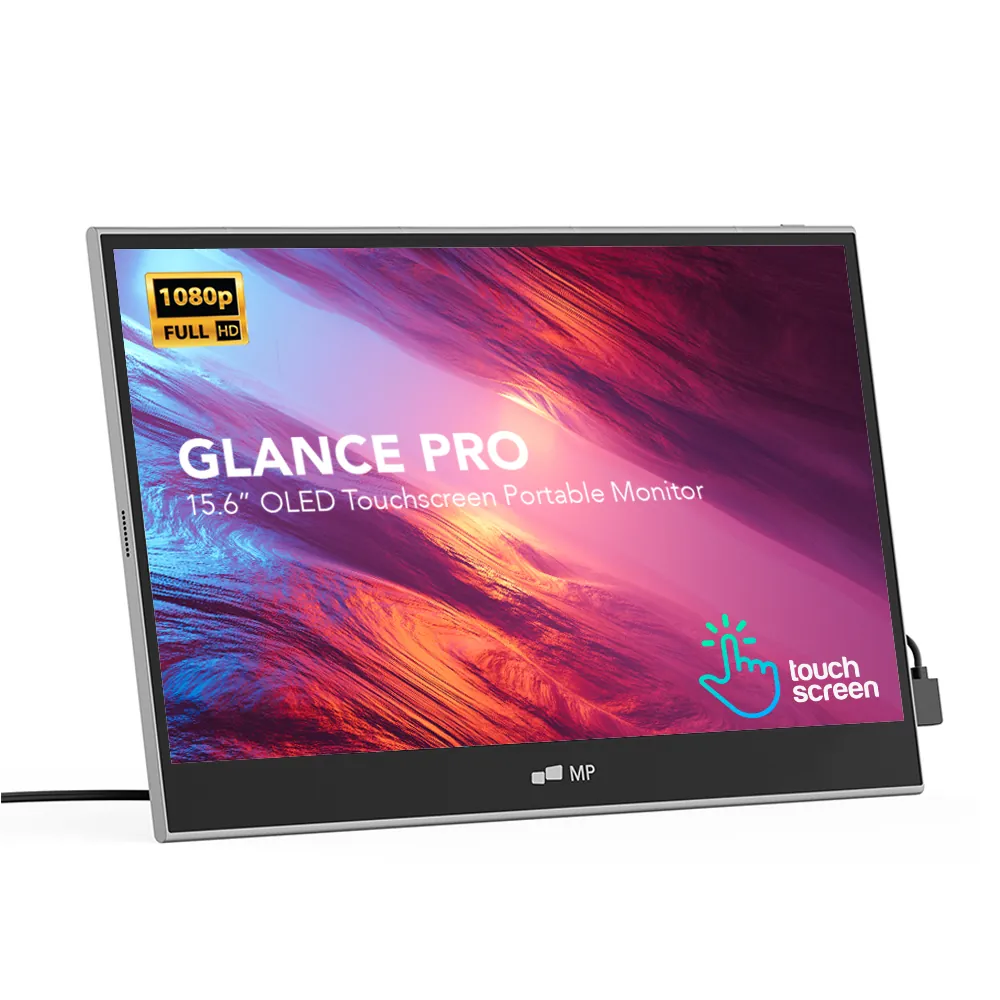
Mobile Pixels Glance Pro OLED
StandaloneA standalone 15.6" OLED touchscreen for clinical work and color-critical tasks.
$549 – $699
Affiliate link — commission earned at no cost to you.
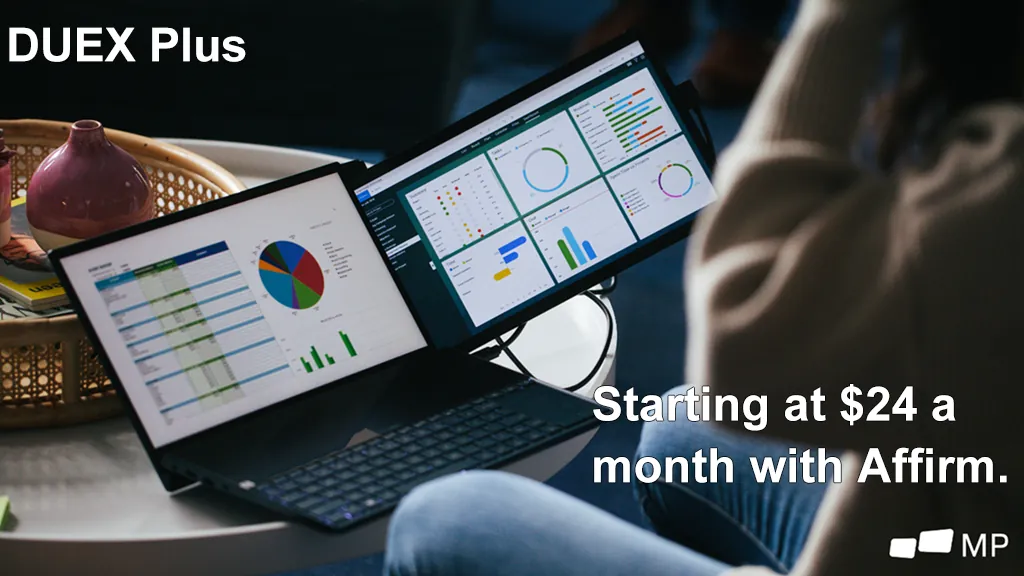
Mobile Pixels Duex Plus
DualA 13.3" magnetic slide-out display, the everyday workhorse of portable dual-screen.
$269 – $329
Affiliate link — commission earned at no cost to you.