
Dual screen laptop: the best ways to add an extra screen to your notebook
Updated
Hematologist & productivity researcher
Medical doctor, multi-screen ergonomics researcher.
About the author →Two families compete to build a dual screen laptop: sliding laptop screen extenders clipped to the lid (Duex, Trio), and stacked monitors on a single arm (Geminos, Geminos X).
Sliding extenders vs stacked monitors
Sliding laptop screen extenders clip to the lid (Duex, Trio) and travel with you. Both Geminos models stack two 24-inch panels on a single arm to replace a traditional dual-monitor rig — the first in FHD at a workhorse price, the second in QHD for dense spreadsheets, medical imaging and long code sessions.
Connection
A USB-C or HDMI cable plus “Extend display” is all it takes to spread windows across both panels.
Which one to pick
For an extra screen you actually carry, the sliding Duex and Trio stay the most flexible. At a fixed desk, the Geminos wins on price for general knowledge work, and the Geminos X whenever text density or long-session eye comfort matters more than the delta on the invoice. Beyond two panels, the move to a triple screen setup runs through the Trio.
Top picks by persona
Extra screen you carry every day
Mobile Pixels Duex Plus
Sliding extenders stay the most flexible on the move.
Fixed desk, general knowledge work
Mobile Pixels Geminos
Two stacked 24-inch FHD panels at a workhorse price.
Dense text, imaging, long sessions
Mobile Pixels Geminos X
QHD panels for text density and long-session comfort.
More than two panels
Mobile Pixels Trio
The move to a triple screen setup runs through the Trio.
Common mistakes to avoid
- Choosing a stacked monitor when you need a screen you carry every day
- Paying for QHD when general knowledge work is all you do
Which setup fits my computer?
Find the portable monitor compatible with your MacBook or PC. We only suggest monitors it can actually drive.
Frequently asked questions
How do I connect an extra screen to my laptop?
A USB-C or HDMI cable plus the “Extend display” option is all it takes to spread windows across both screens.
Recommended products
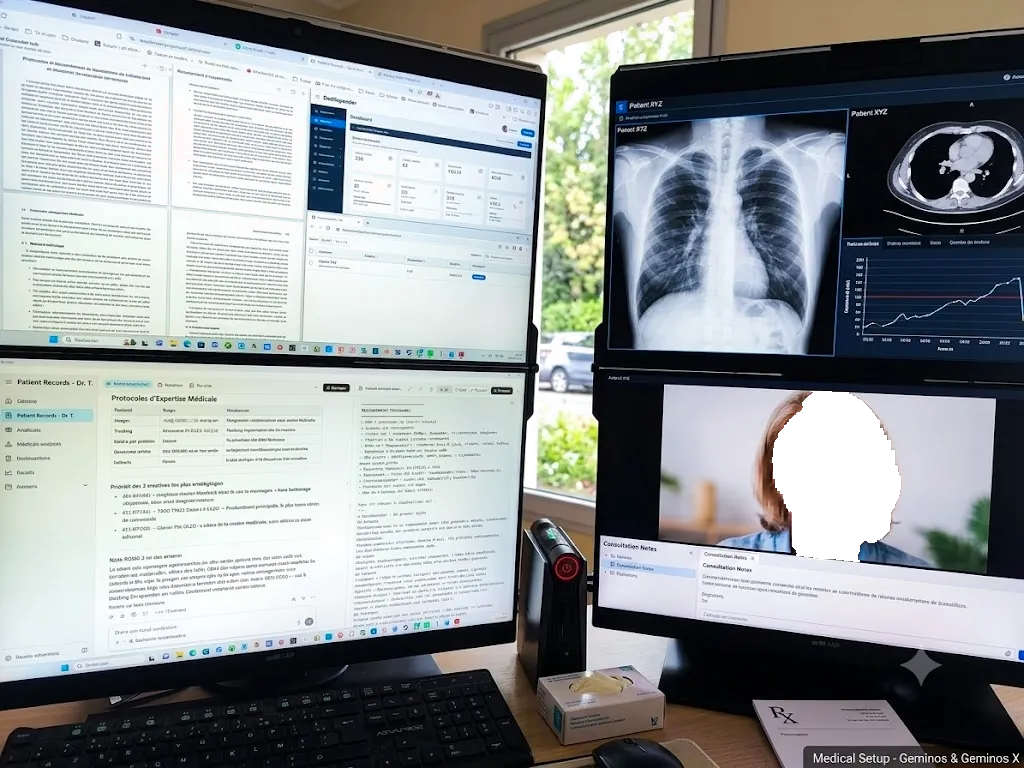
Mobile Pixels Geminos
StackedTwo 24" stacked FHD screens on a single arm — the original vertical dual-monitor.
Affiliate link — commission earned at no cost to you.
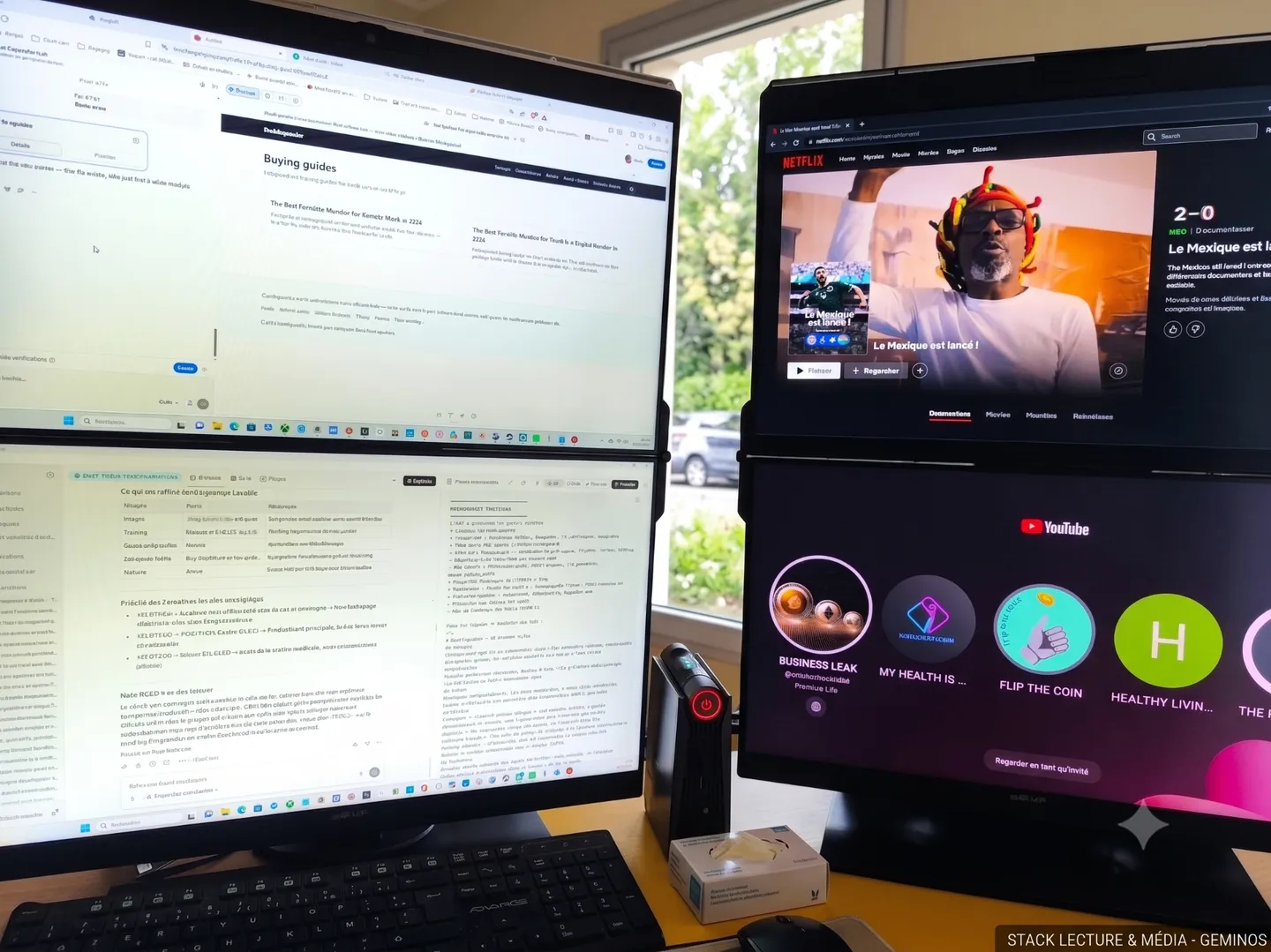
Mobile Pixels Geminos X
StackedTwo 24" QHD stacked panels for finance, code and clinical workflows.
Affiliate link — commission earned at no cost to you.

Mobile Pixels Duex Plus
DualA 13.3" magnetic slide-out display, the everyday workhorse of portable dual-screen.
Affiliate link — commission earned at no cost to you.
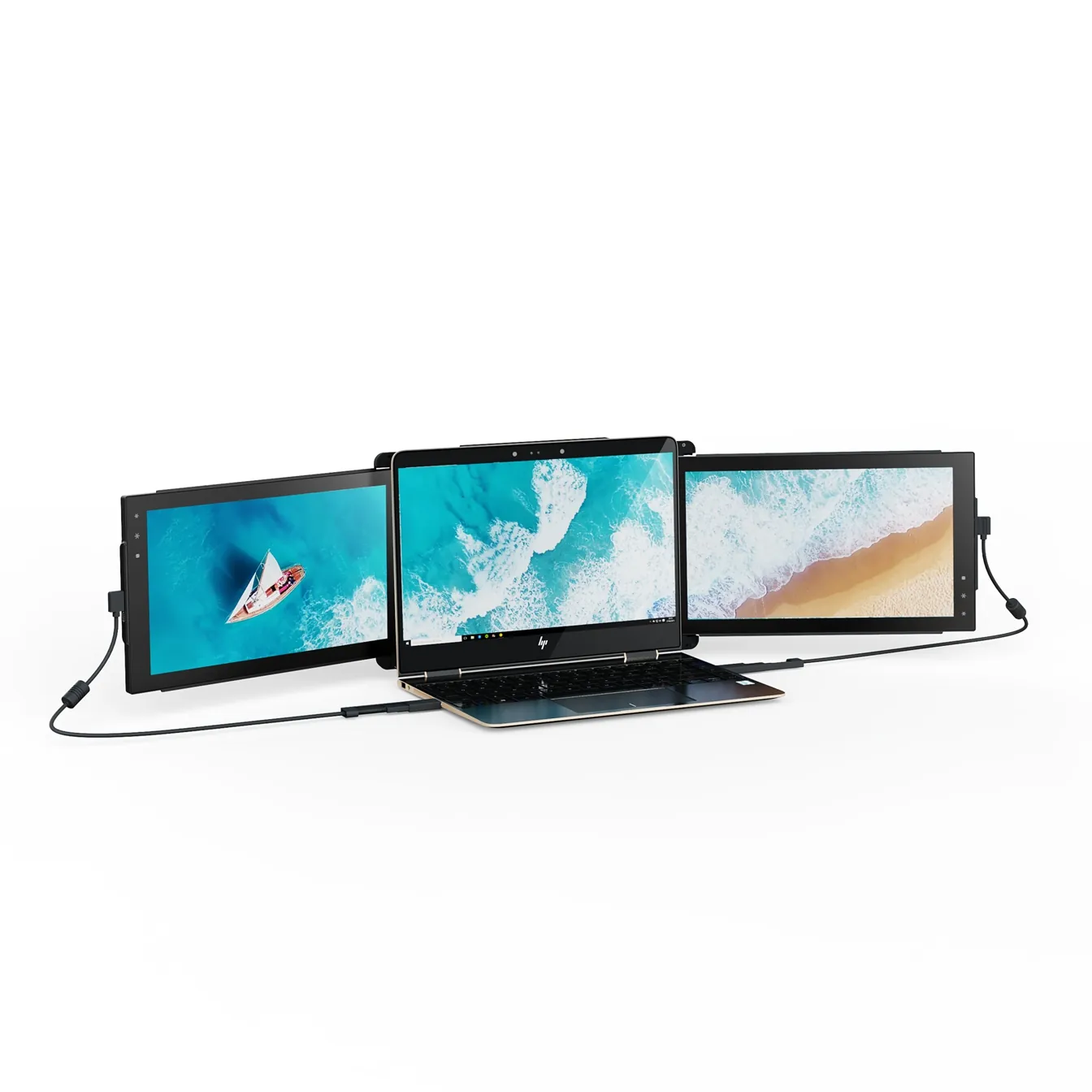
Mobile Pixels Trio
TripleTwo 12.5" slide-out panels turn your laptop into an instant triple-monitor setup.
Affiliate link — commission earned at no cost to you.