
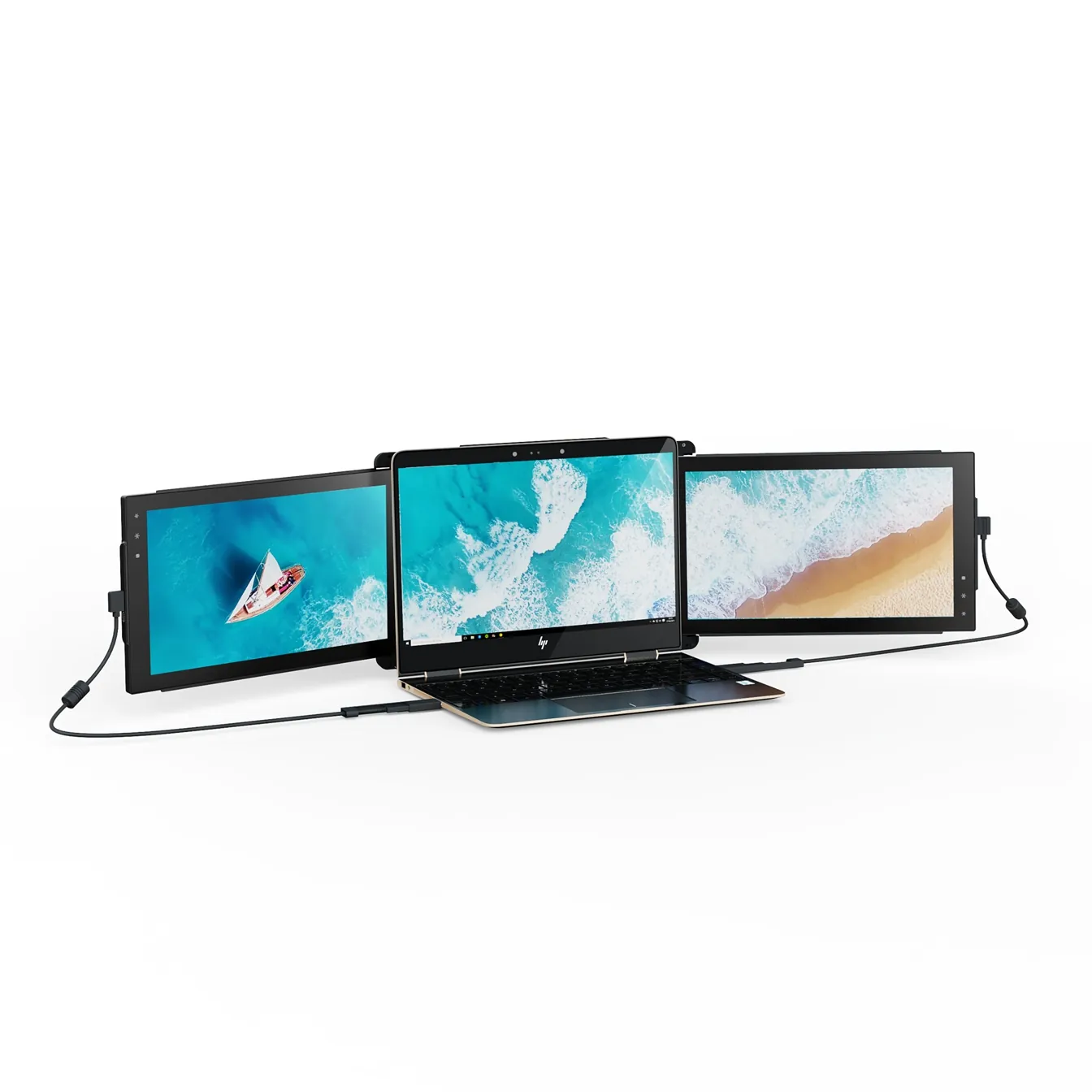
Mobile Pixels Trio
TripleTwo 12.5" slide-out panels turn your laptop into an instant triple-monitor setup.
$399 – $499
Affiliate link — commission earned at no cost to you.
Independent tests, comparisons and setup guides for portable monitor extensions, dual screen laptops and triple screen setups for remote work.
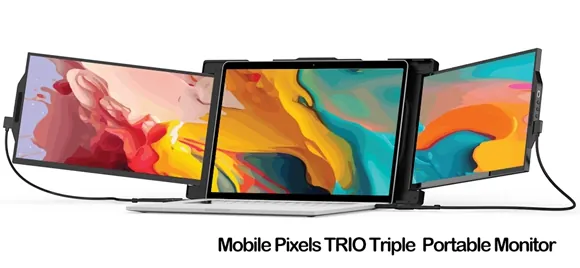
Our editorial selection of portable monitor extensions for turning any laptop into a dual screen or triple screen workstation.
Two 12.5" slide-out panels turn your laptop into an instant triple-monitor setup.
$399 – $499
Affiliate link — commission earned at no cost to you.

A 13.3" magnetic slide-out display, the everyday workhorse of portable dual-screen.
$269 – $329
Affiliate link — commission earned at no cost to you.
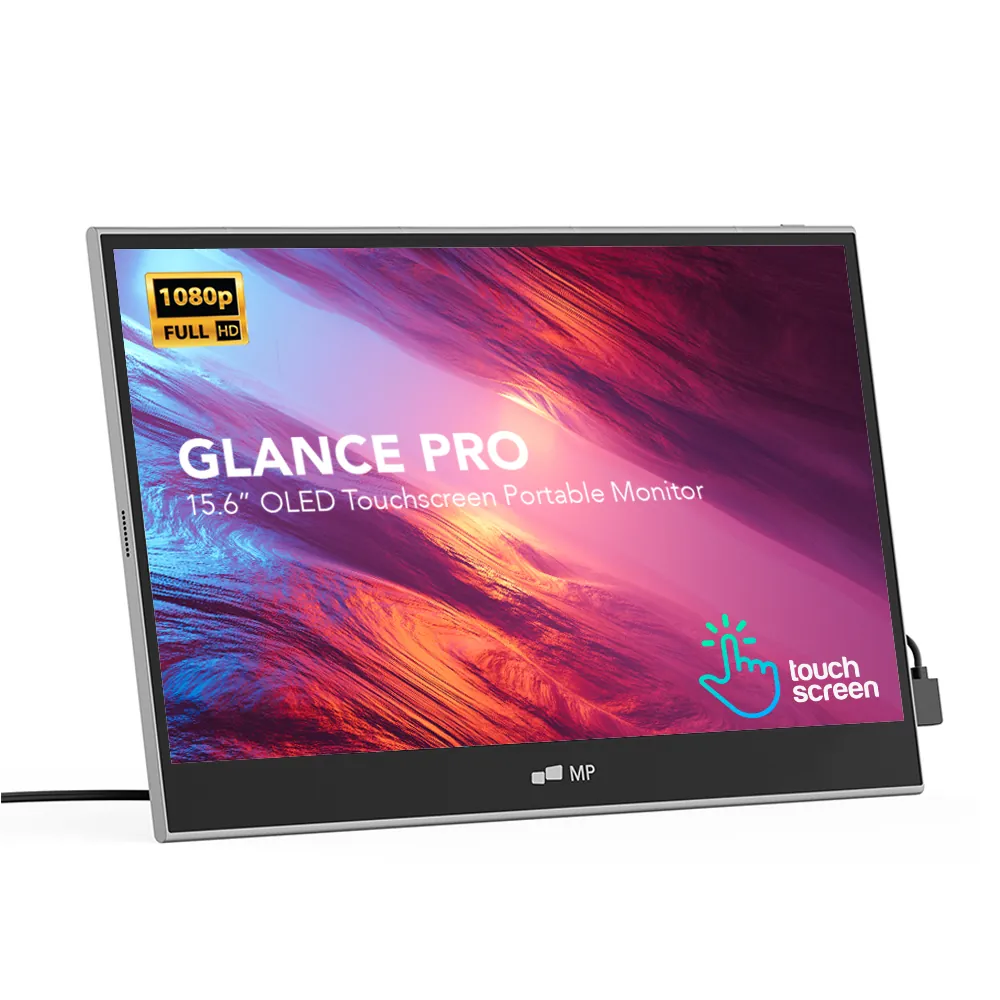
A standalone 15.6" OLED touchscreen for clinical work and color-critical tasks.
$549 – $699
Affiliate link — commission earned at no cost to you.
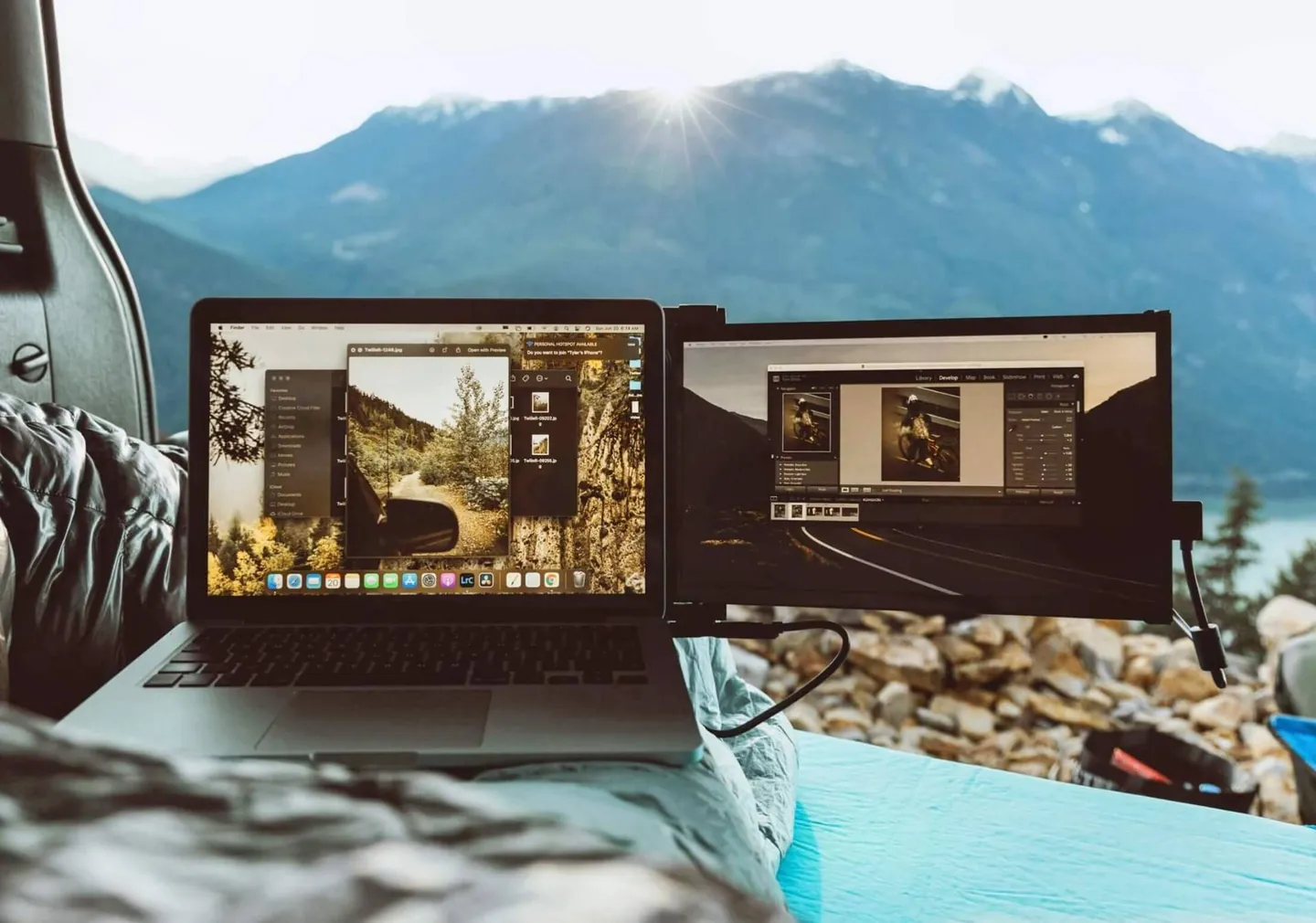
Remote & travel
Office anywhere, no compromise
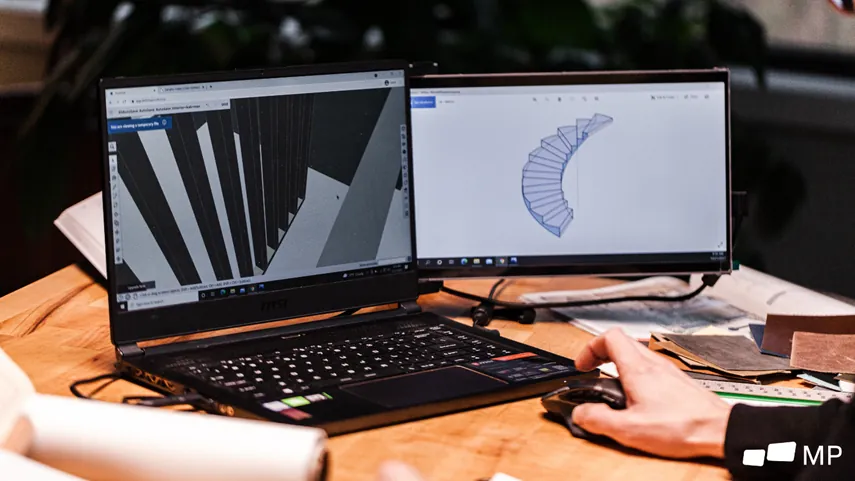
Creative & technical pros
Multi-screen for CAD, dev, design
Monitors, cameras, peripherals — the productive nomad's kit.
Portable triple screen
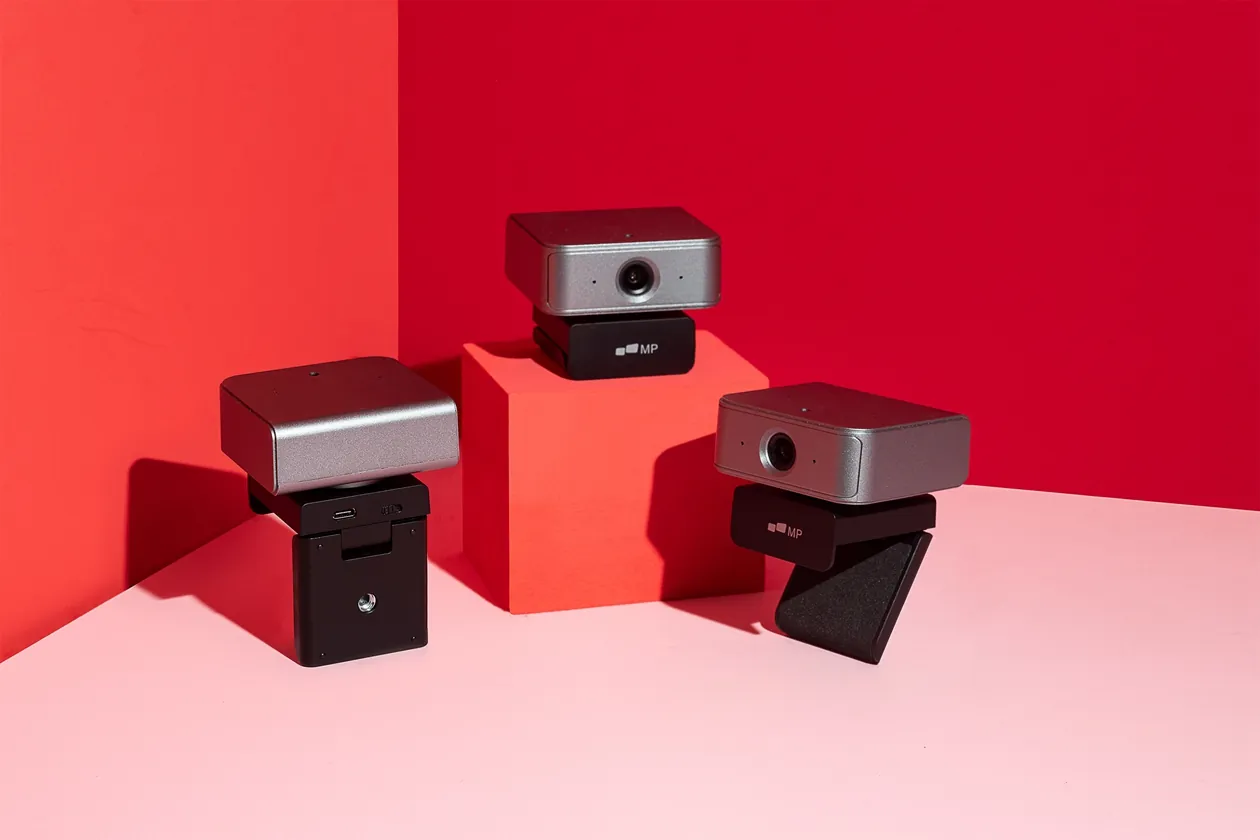
Nomadic 4K webcams
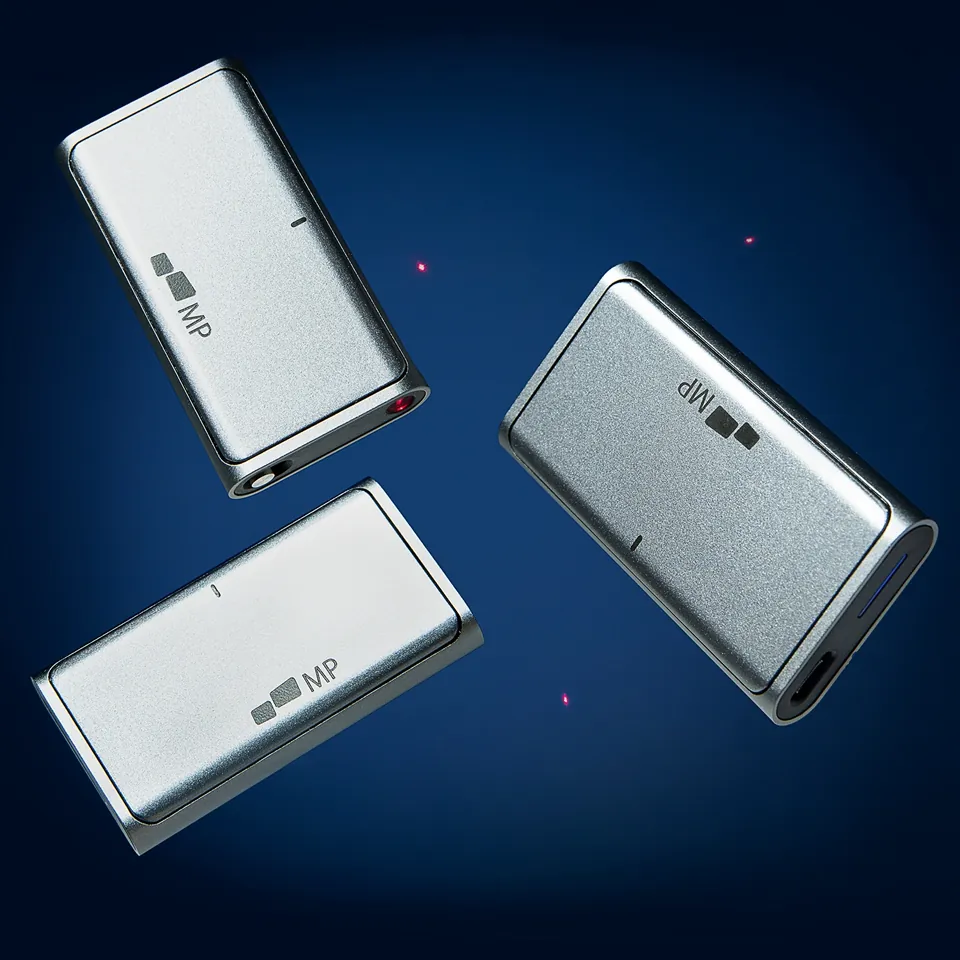
Wireless peripherals
Mobile Pixels Trio Review: A Triple-Monitor Setup You Can Carry
Independent, research-based review of the Mobile Pixels Trio: two 12.5" slide-out portable monitors that turn any laptop into a triple-screen workstation.
Read review →
Mobile Pixels Duex Plus Review: The Everyday Portable Second Screen
Research-based review of the Mobile Pixels Duex Plus: a 13.3" slide-out portable monitor that hits the sweet spot for analysts and consultants.
Read review →
Mobile Pixels Duex Lite Review: The Entry-Level Portable Monitor
Research-based review of the Mobile Pixels Duex Lite — a 12.5" entry-level portable monitor for users testing portable dual-screen on a budget.
Read review →
Mobile Pixels Glance Pro OLED Review: Standalone Portable Display
Research-based review of the Mobile Pixels Glance Pro OLED — a 15.6" touchscreen portable monitor for clinicians, traders and color-critical work.
Read review →
Mobile Pixels Geminos Review: The Original Stacked Dual-Screen Laptop Monitor
Independent review of the Mobile Pixels Geminos — two 24" FHD panels stacked vertically on a single arm, purpose-built for laptop-first workflows.
Read review →
Mobile Pixels Geminos X Review: QHD Stacked Monitors for Demanding Workflows
Independent review of the Mobile Pixels Geminos X — two 24" QHD panels stacked vertically, engineered for finance, coding and clinical workflows.
Read review →
Mobile Pixels Trio Max Review: The Premium Triple-Screen Portable Monitor
Independent review of the Mobile Pixels Trio Max — two 14" FHD panels sliding out of a magnetic frame, the flagship triple-screen portable monitor.
Read review →
The Best Portable Monitor for Remote Work in 2026
Independent buying guide for the best portable monitor for remote work — criteria, top picks per persona, and mistakes to avoid.
Read guide →
The Best Portable Monitor for Travel and Digital Nomads in 2026
Independent buying guide for digital nomads and frequent travellers: the best portable monitors that actually survive airports, vans and bad WiFi.
Read guide →
How to Choose a Portable Monitor in 2026: The Complete Guide
Everything to check before buying a portable monitor in 2026: panel, connectivity, mount, brightness, and the common mistakes we see every week.
Read guide →
USB-C vs HDMI vs DisplayLink: Which Connection Fits Your Laptop?
Choosing between USB-C, HDMI and DisplayLink for a portable monitor: the technical differences, compatibility traps and what to buy based on your laptop.
Read guide →
Multi-Screen Ergonomics: Avoiding MSDs and Eye Strain
How to set up a multi-screen workstation to prevent neck strain, wrist pain and visual fatigue — evidence-based ergonomics for portable and fixed monitors.
Read guide →
Portable Monitor vs Fixed Desktop Monitor: When Each One Wins
When a portable monitor beats a 27" desktop display — and when it doesn't. Honest trade-offs on price, ergonomics, image quality and workflow.
Read guide →
Triple-Screen Setup on MacBook Pro (M-Series): The Complete Tutorial
Step-by-step tutorial to run a triple portable-monitor setup on MacBook Pro M1, M2, M3 and M4 — cables, display arrangement, macOS settings and pitfalls.
Read guide →
Day-Trading Setup: Three Portable Screens to Follow the Markets
Portable trading desk: how to run three screens for day trading — one for the ladder, one for charts, one for news — on any laptop, anywhere.
Read guide →
Teleconsultation Setup: A Portable Monitor for Medical Practice
How to configure a portable monitor for teleconsultation, teleexpertise and mobile clinical work — GDPR, image quality and ergonomic constraints for physicians.
Read guide →
Portable monitor extension: how to turn a laptop into a dual screen or triple screen workstation
Complete 2026 guide to portable monitor extensions: choosing an extra screen for laptop use, building a dual screen laptop and scaling up to a triple screen setup.
Read guide →
One short email, the checklist as a PDF. No spam, unsubscribe in one click.